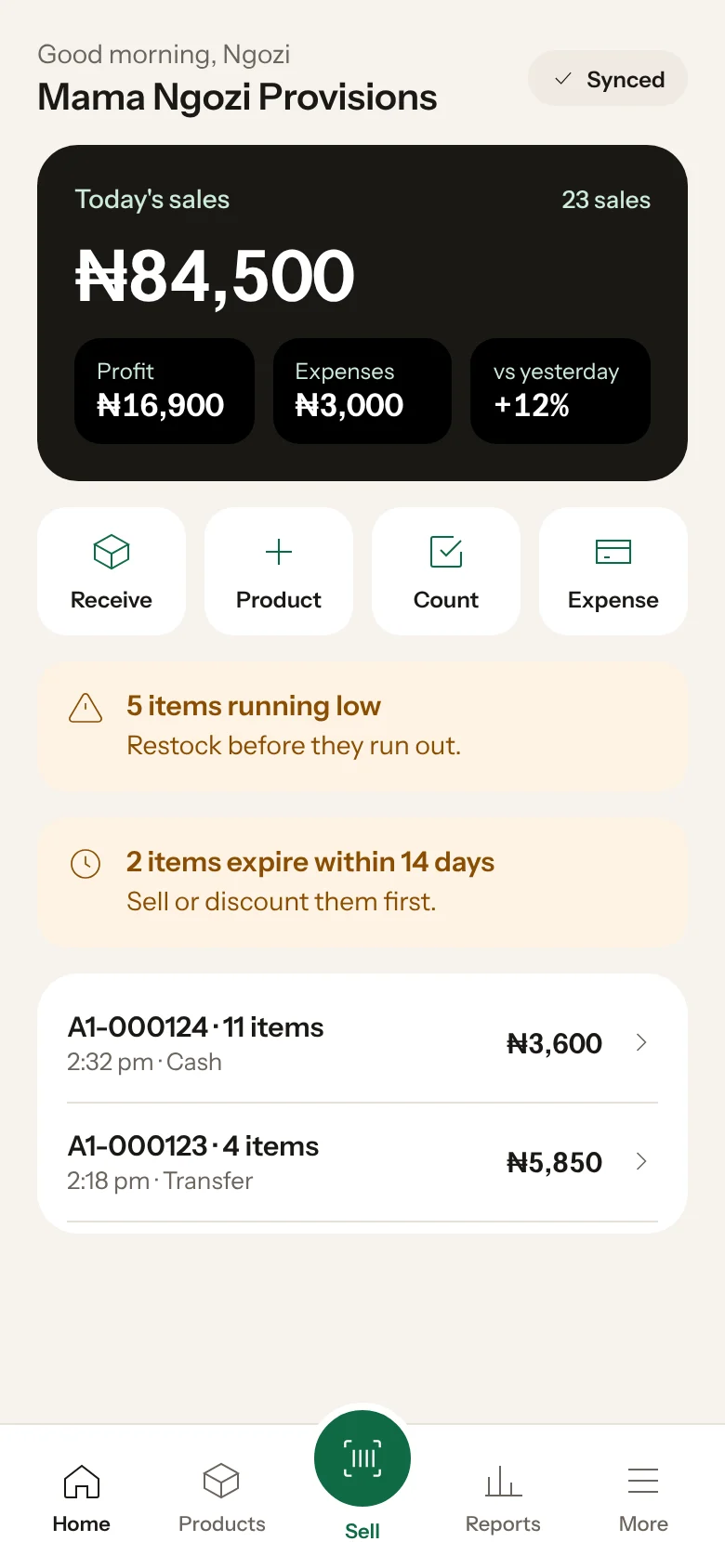
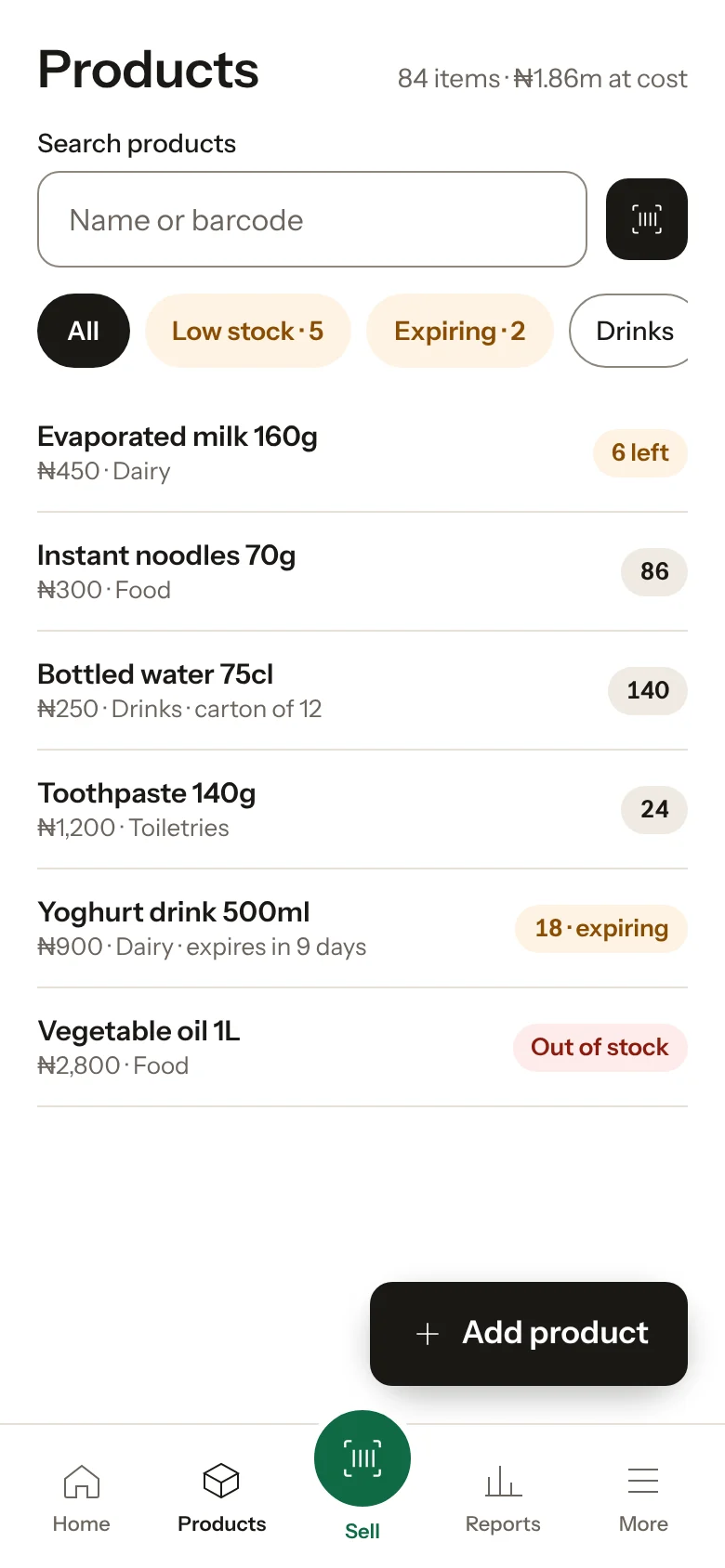
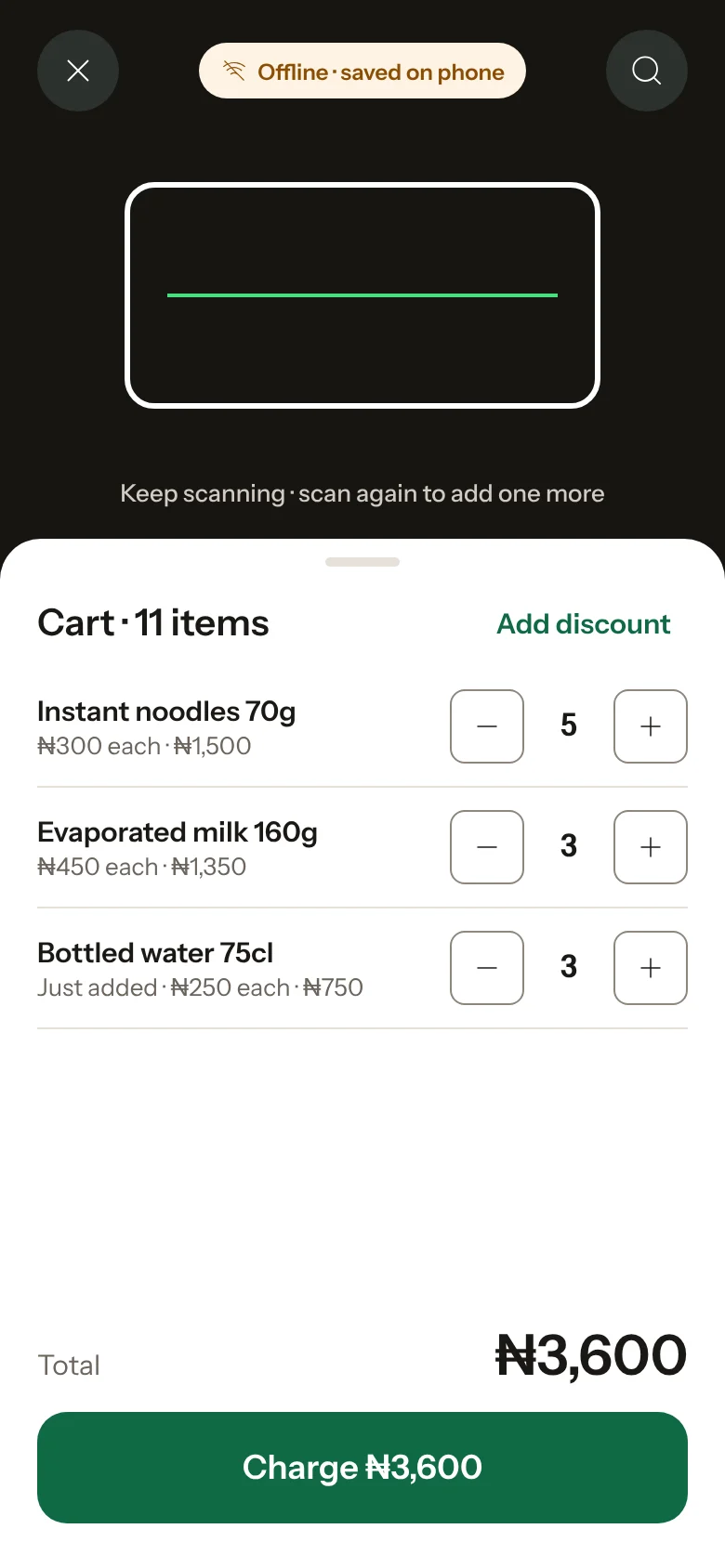
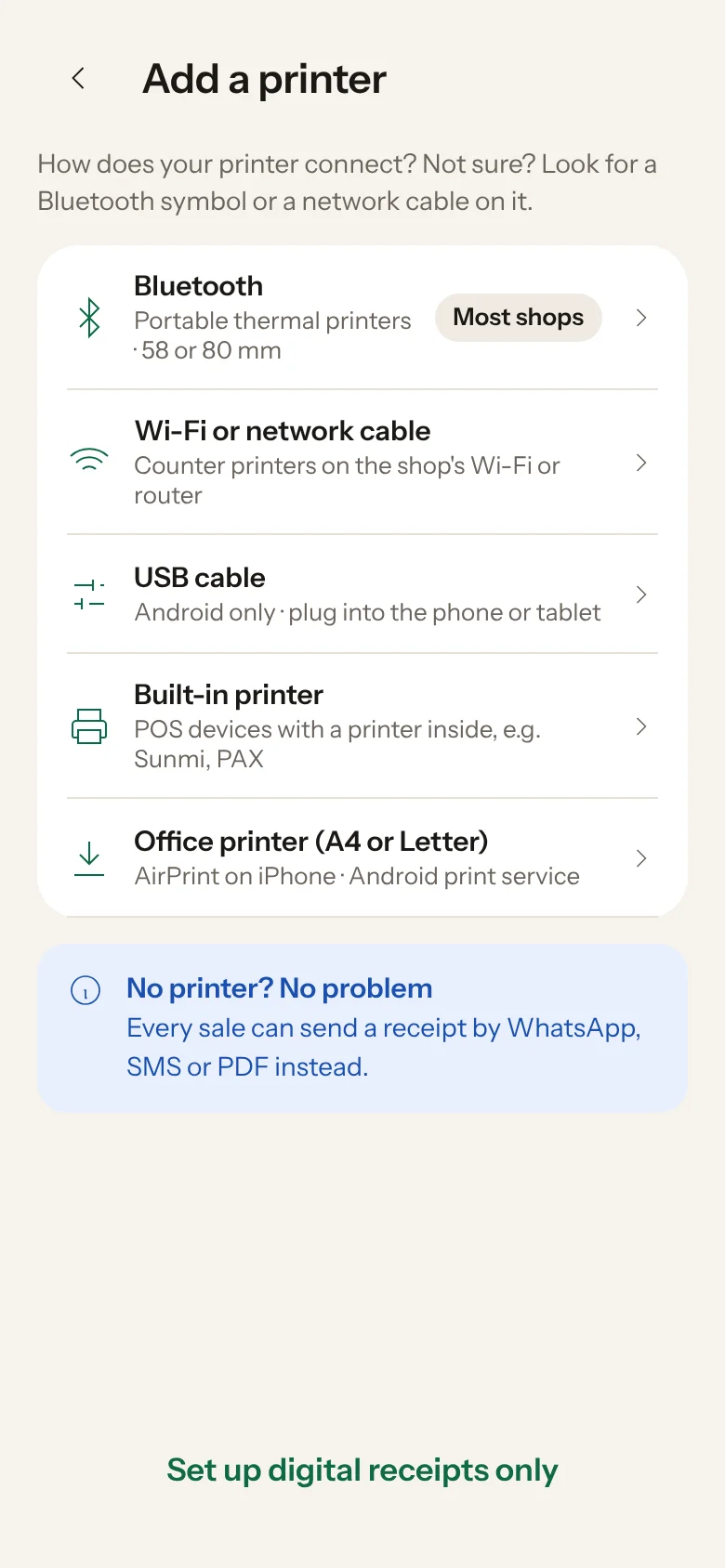
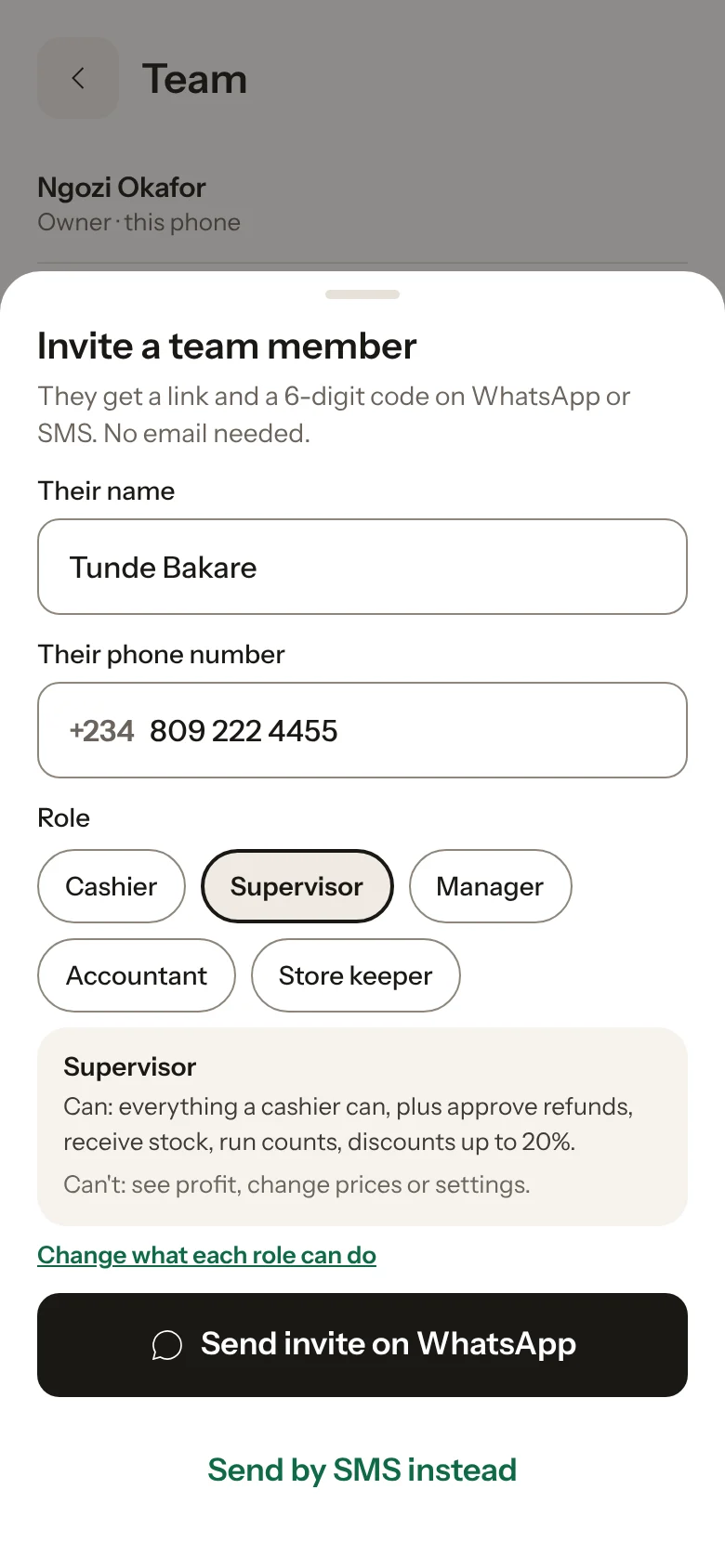
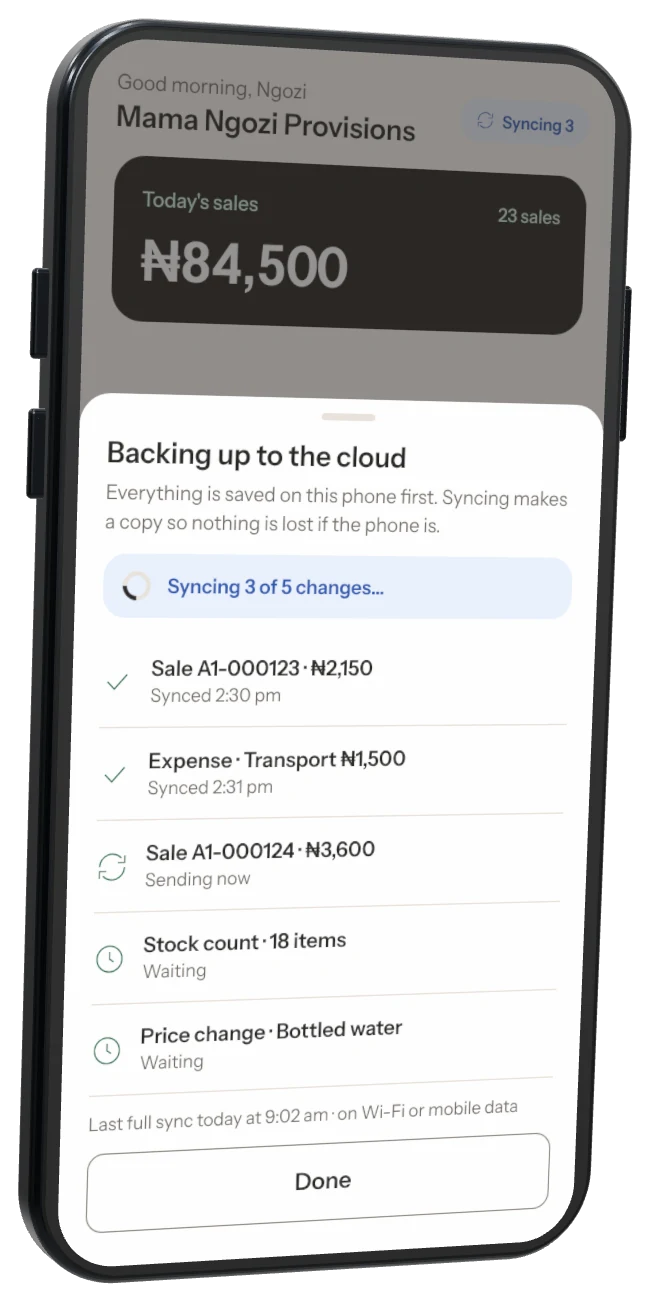
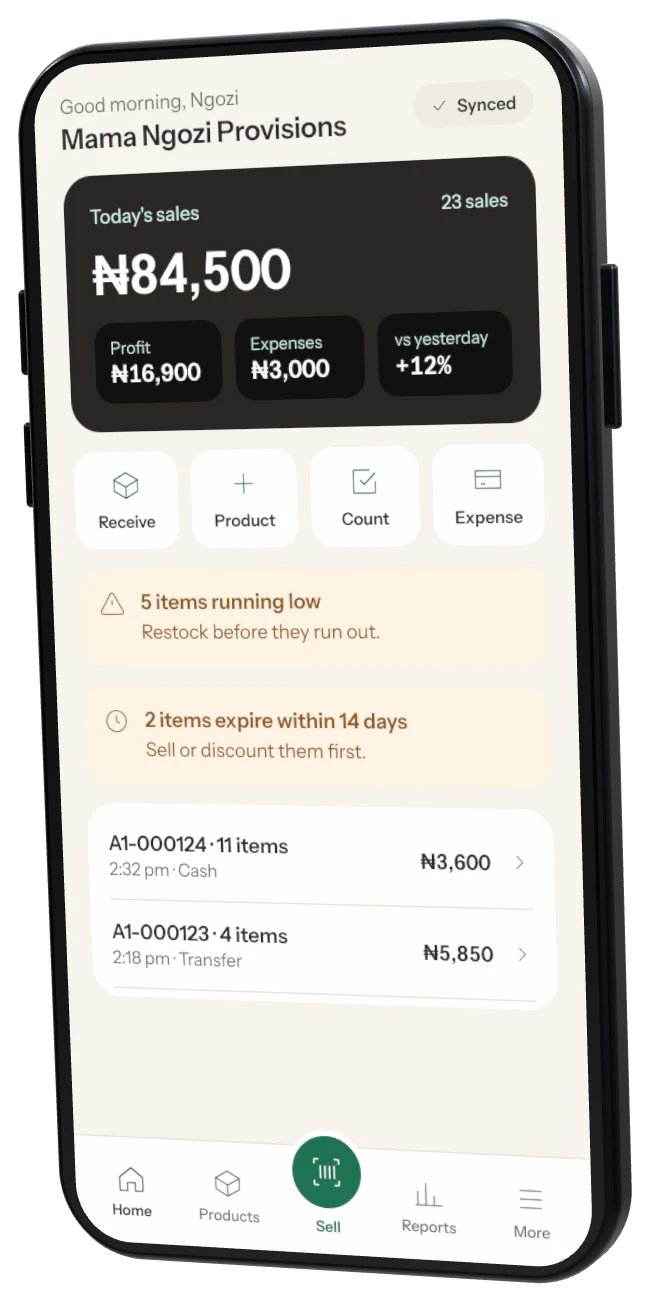
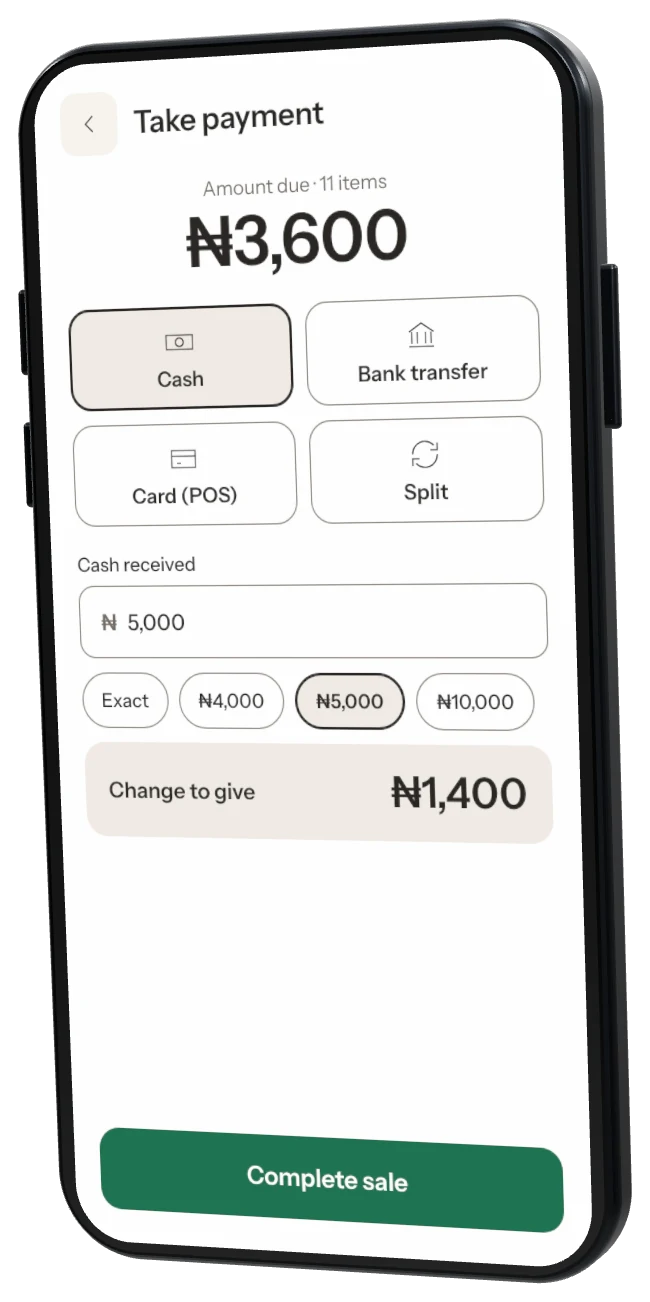
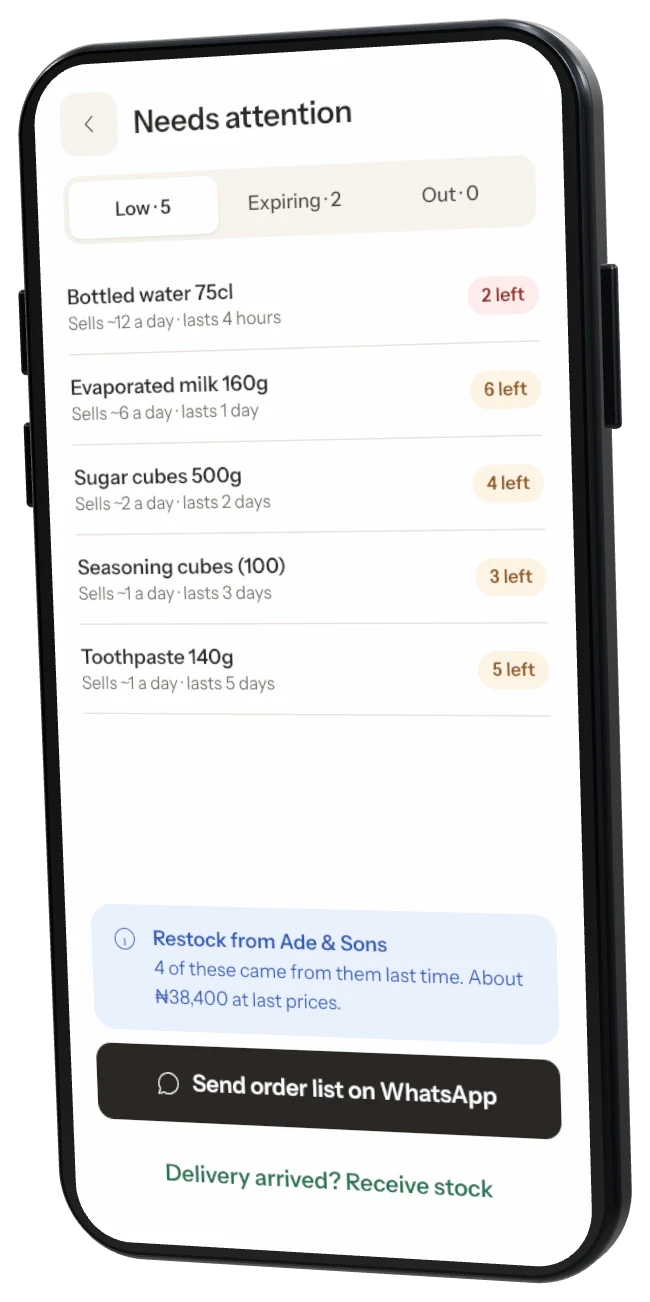
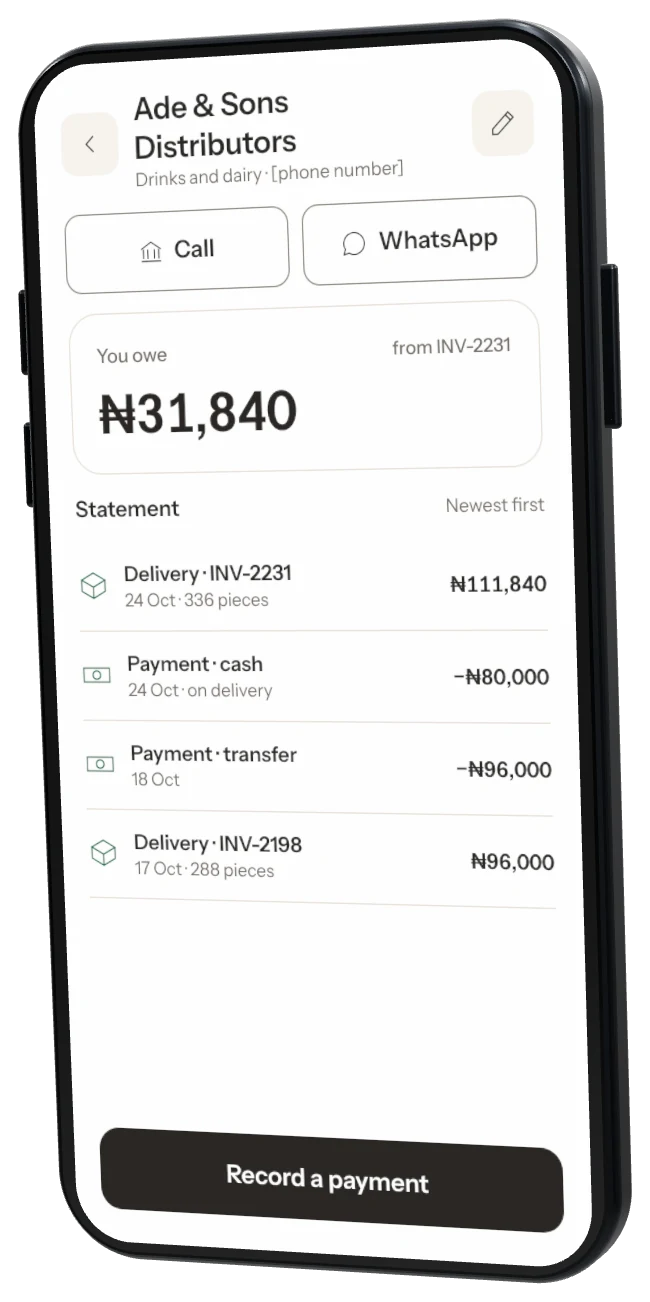
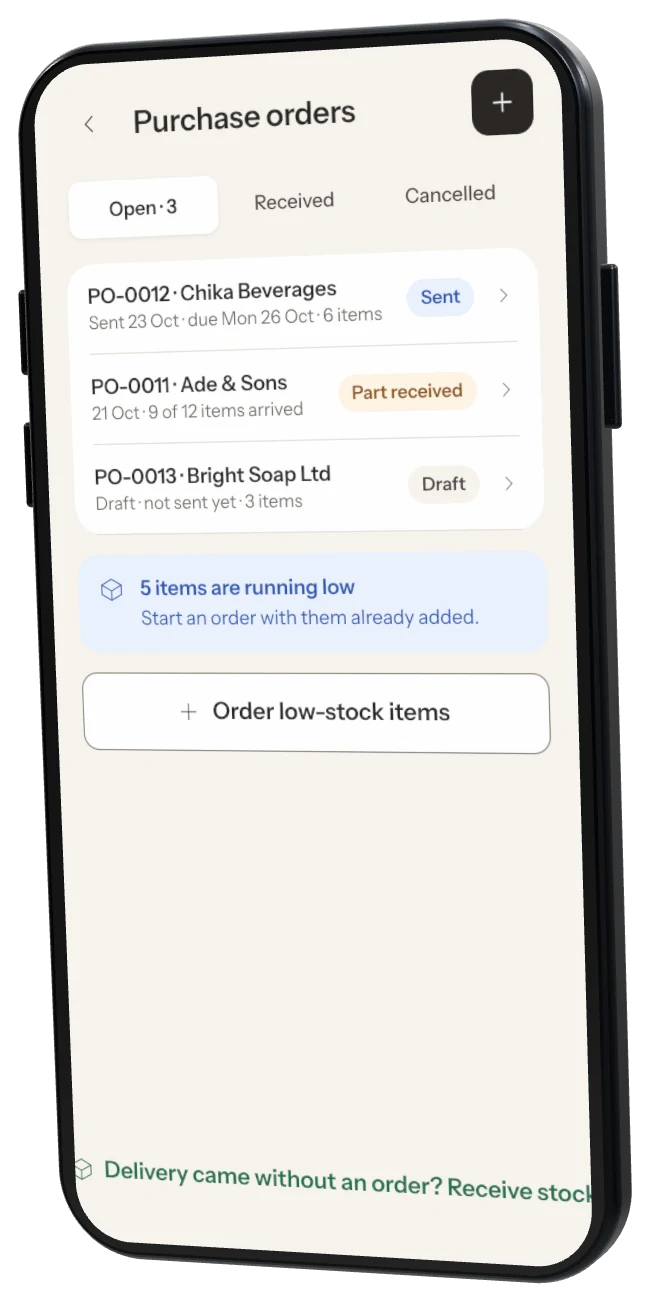
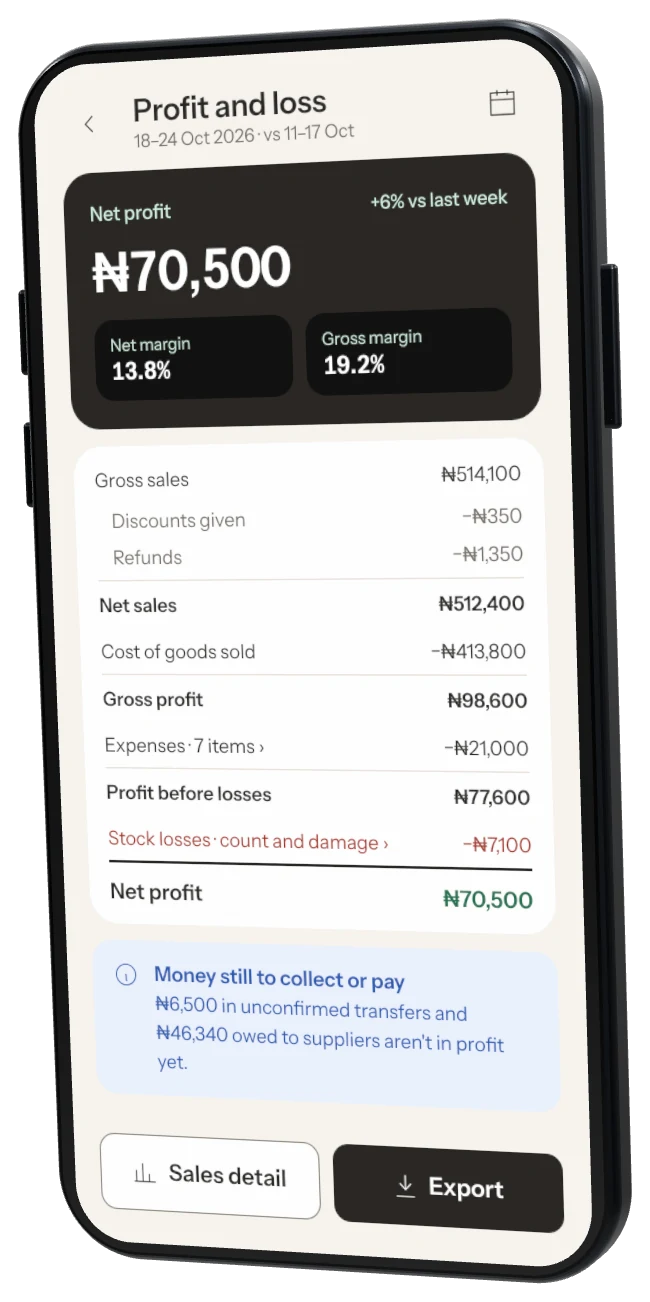
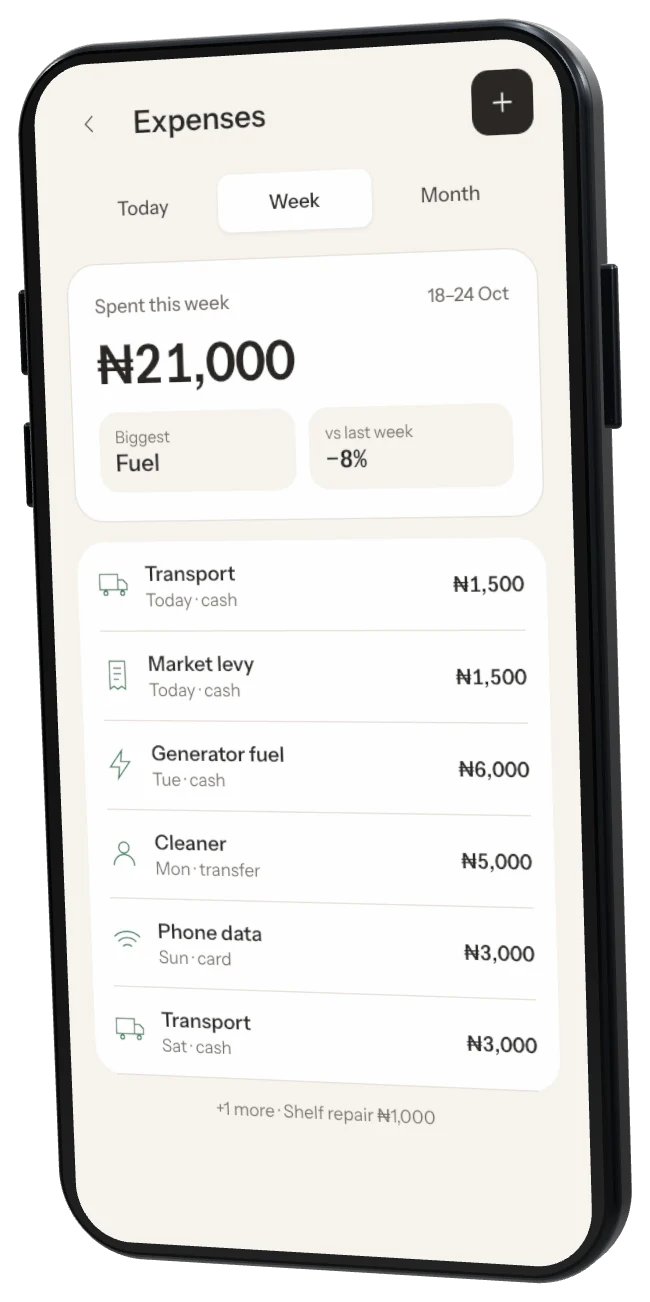
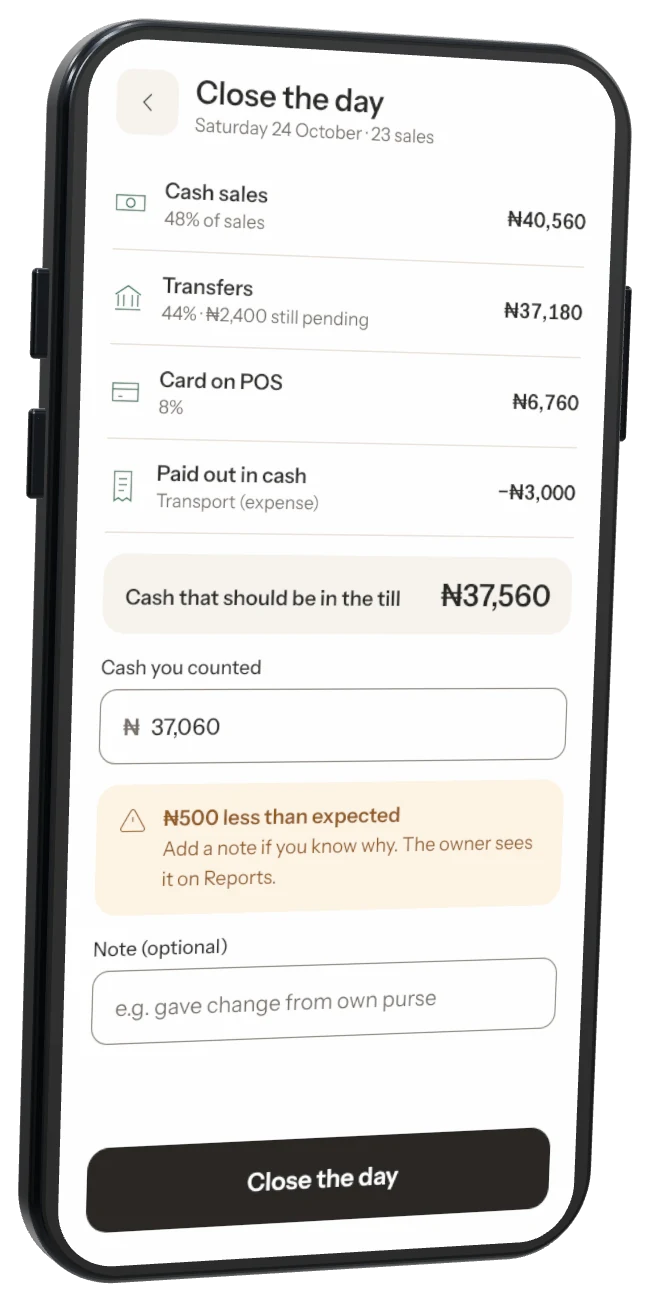
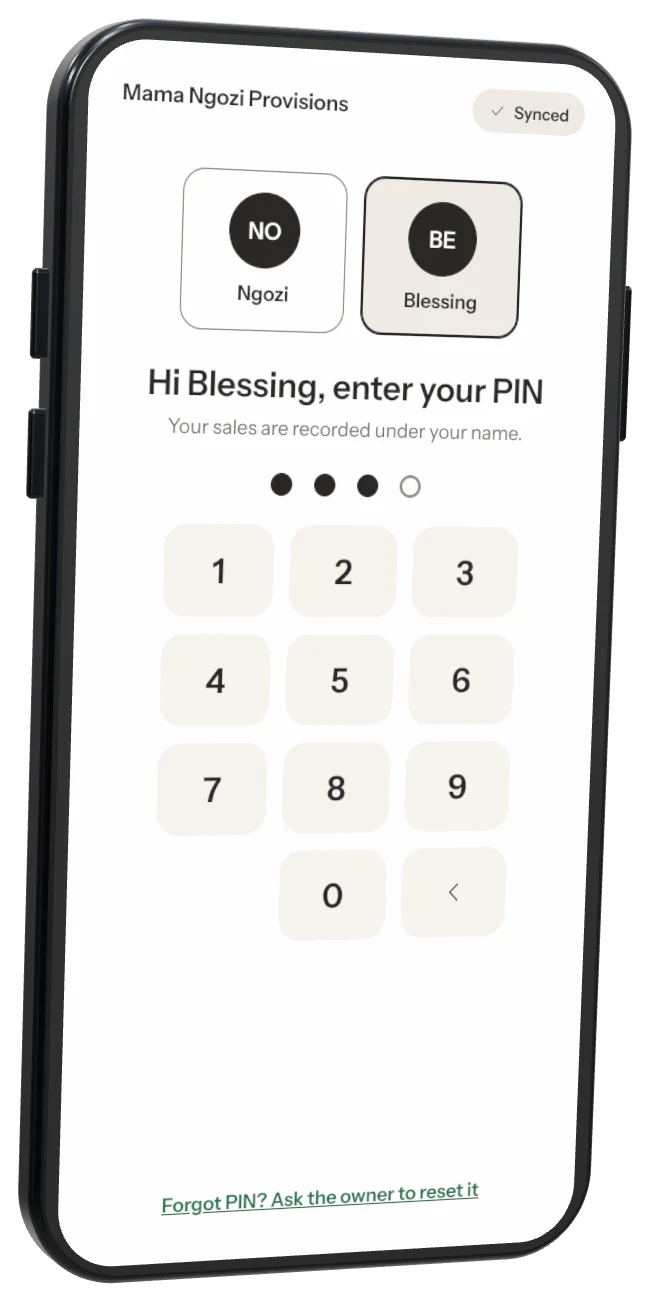
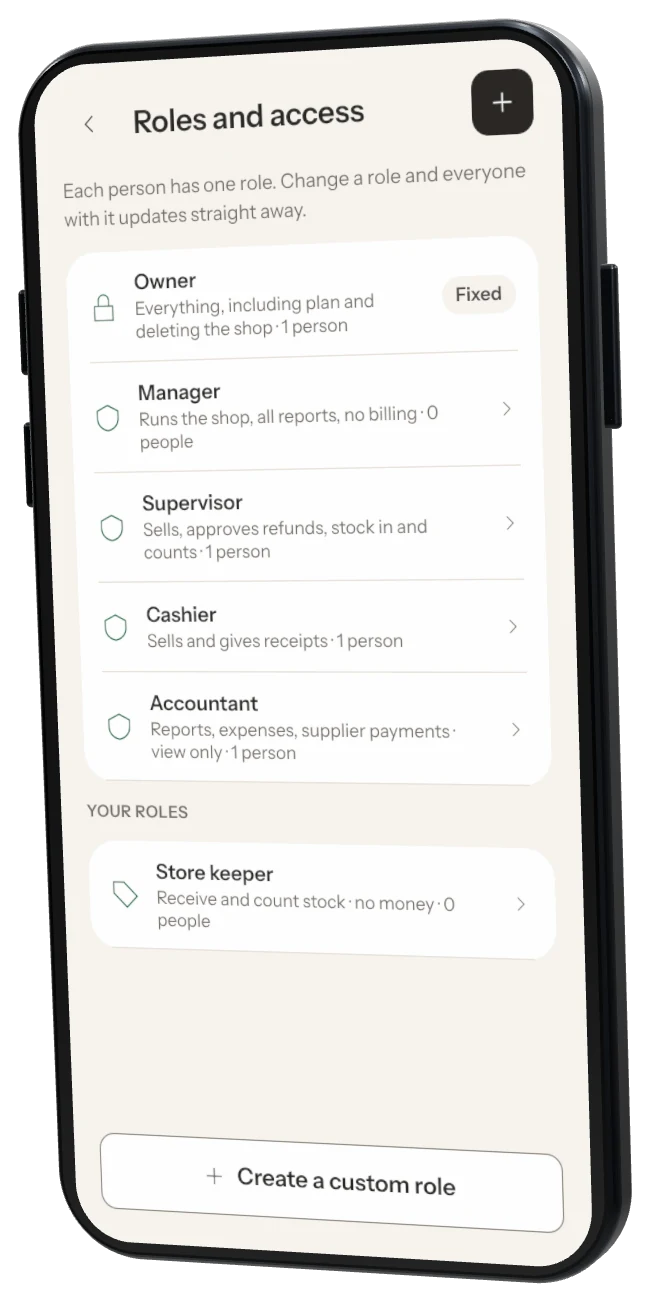
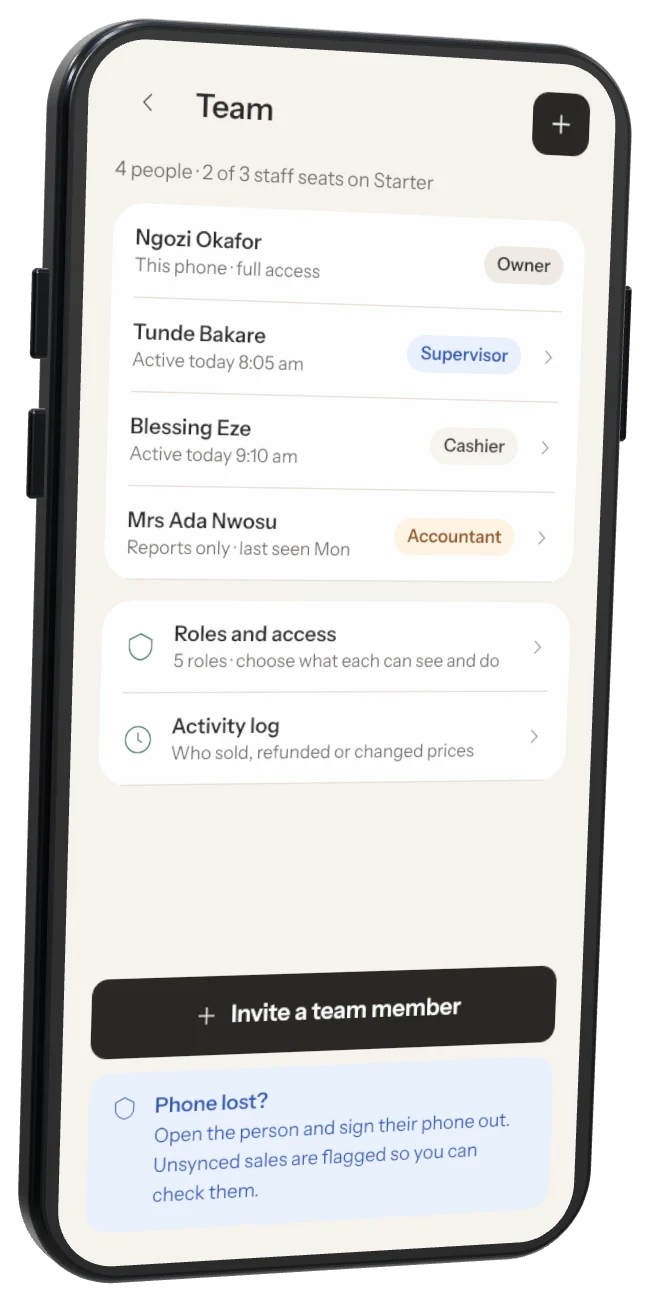
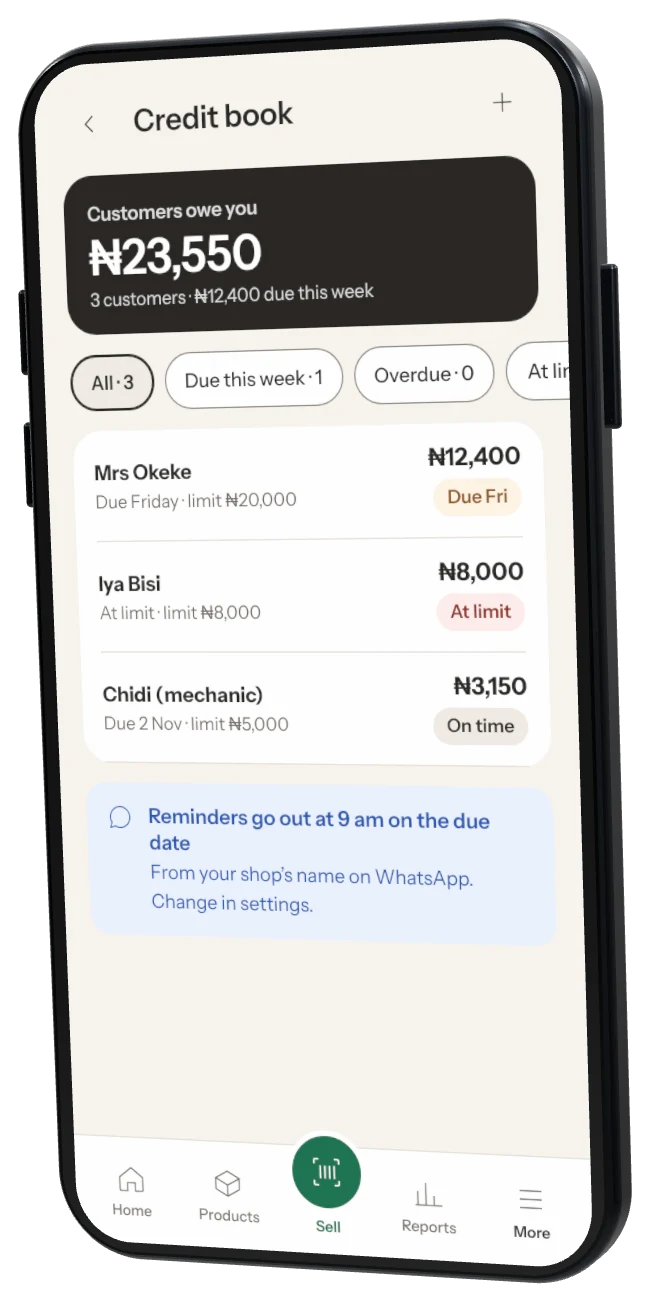
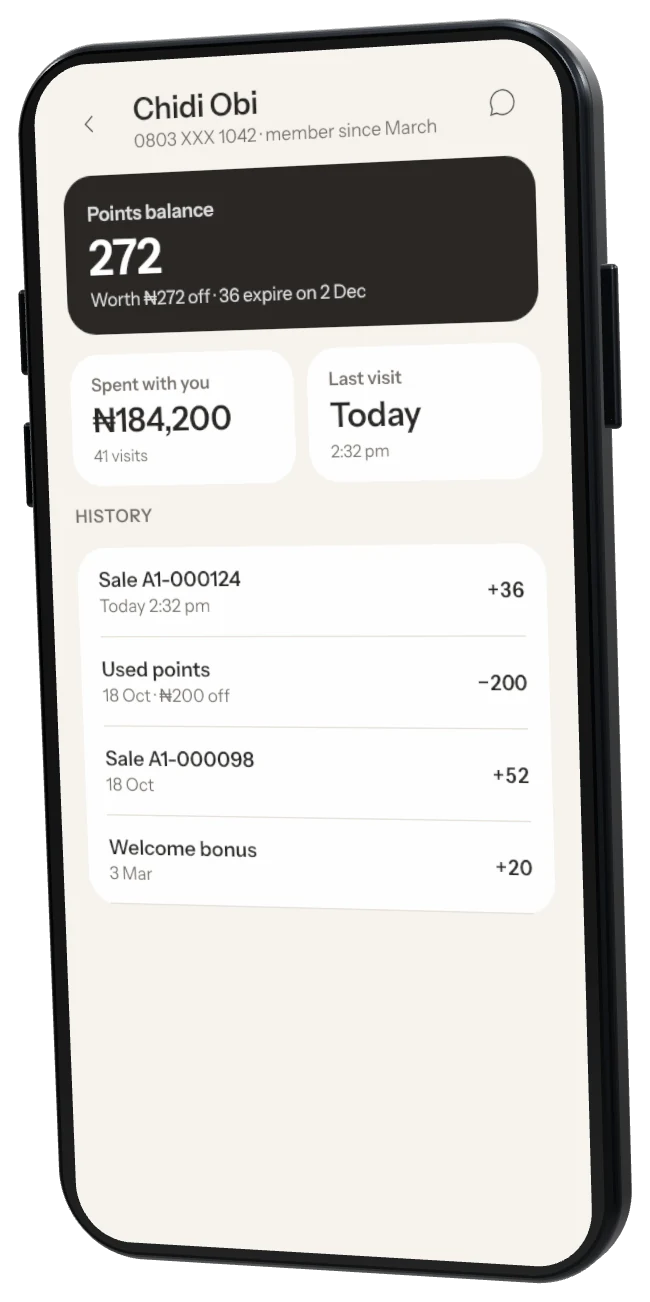
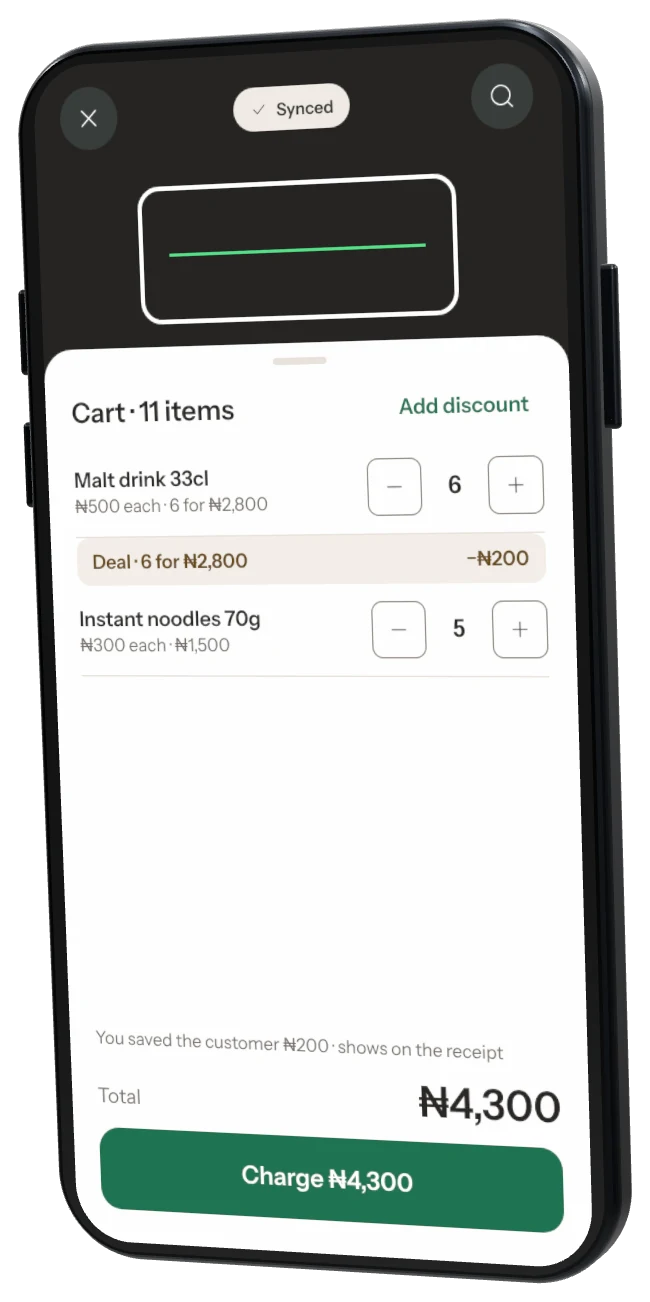
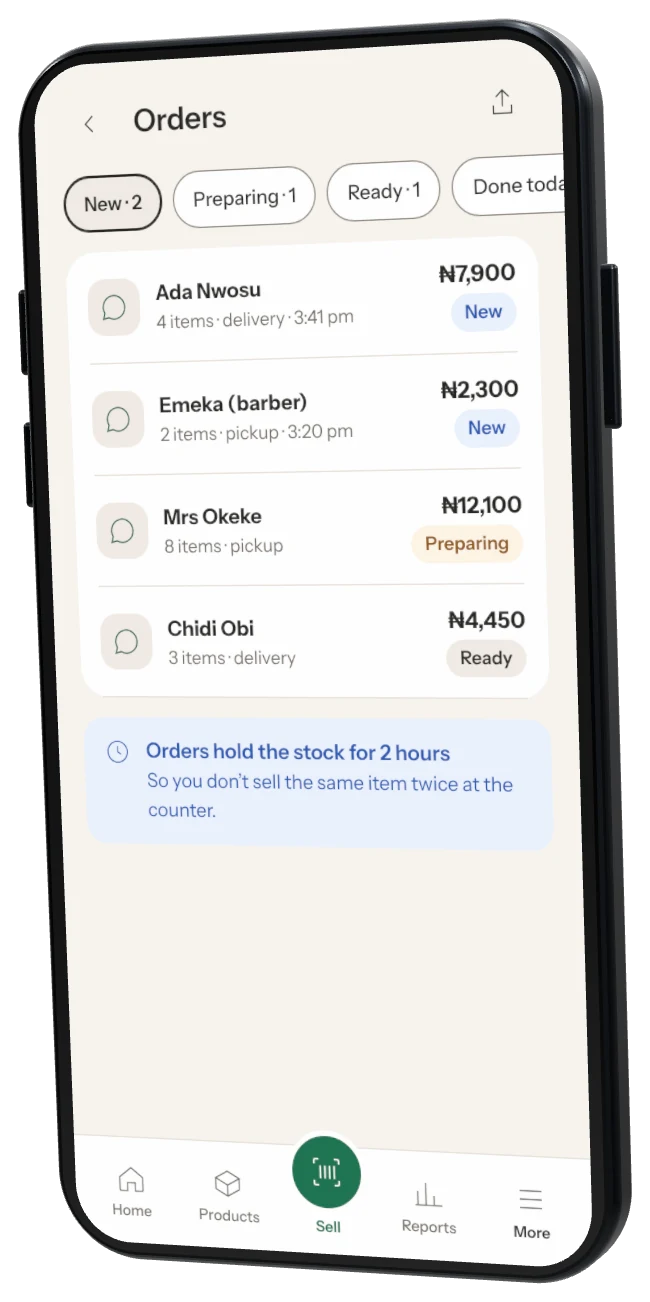
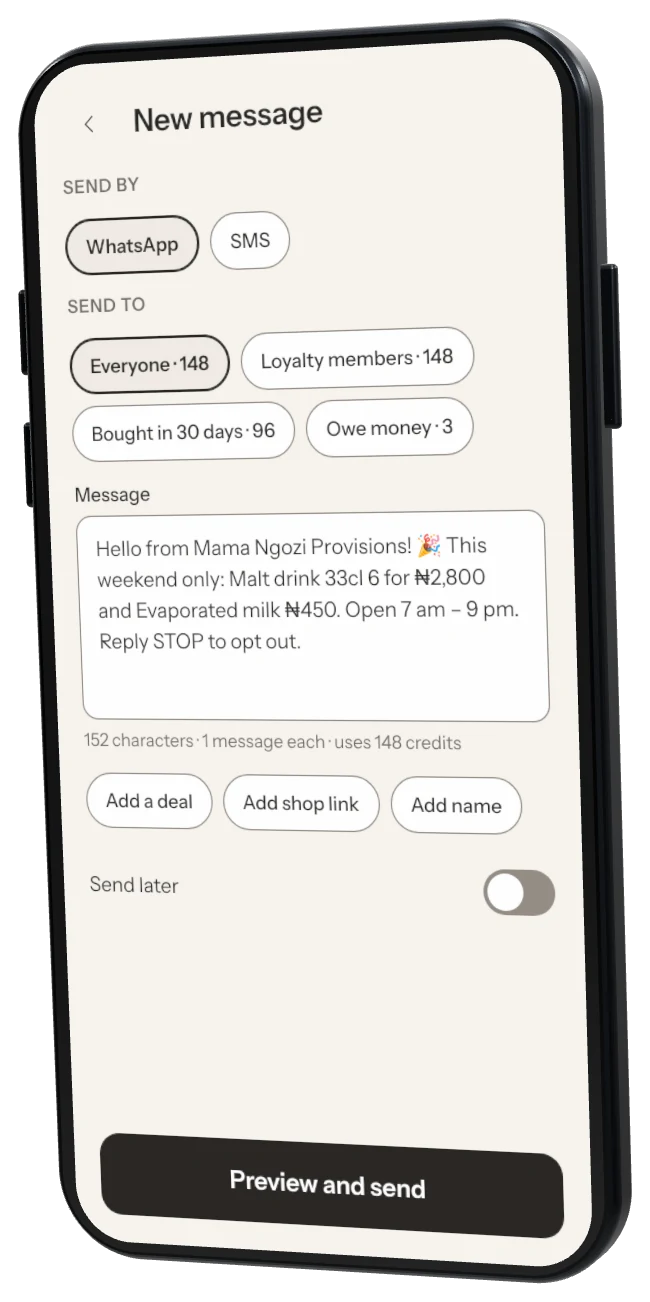
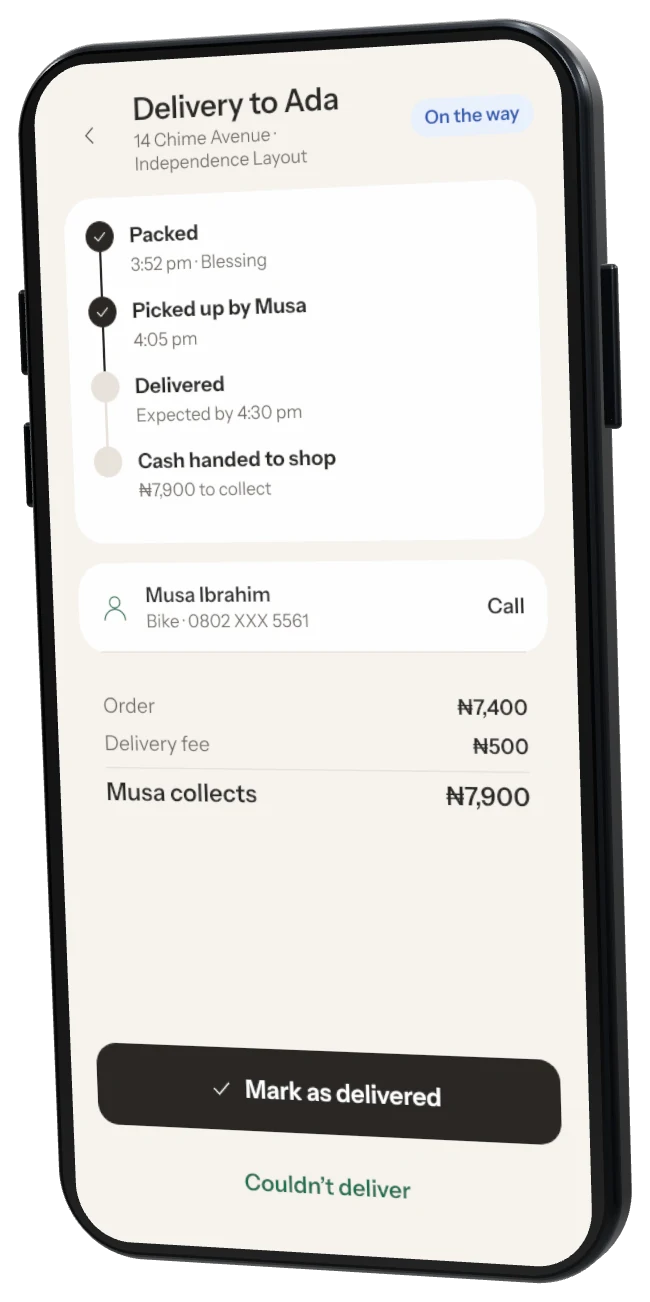
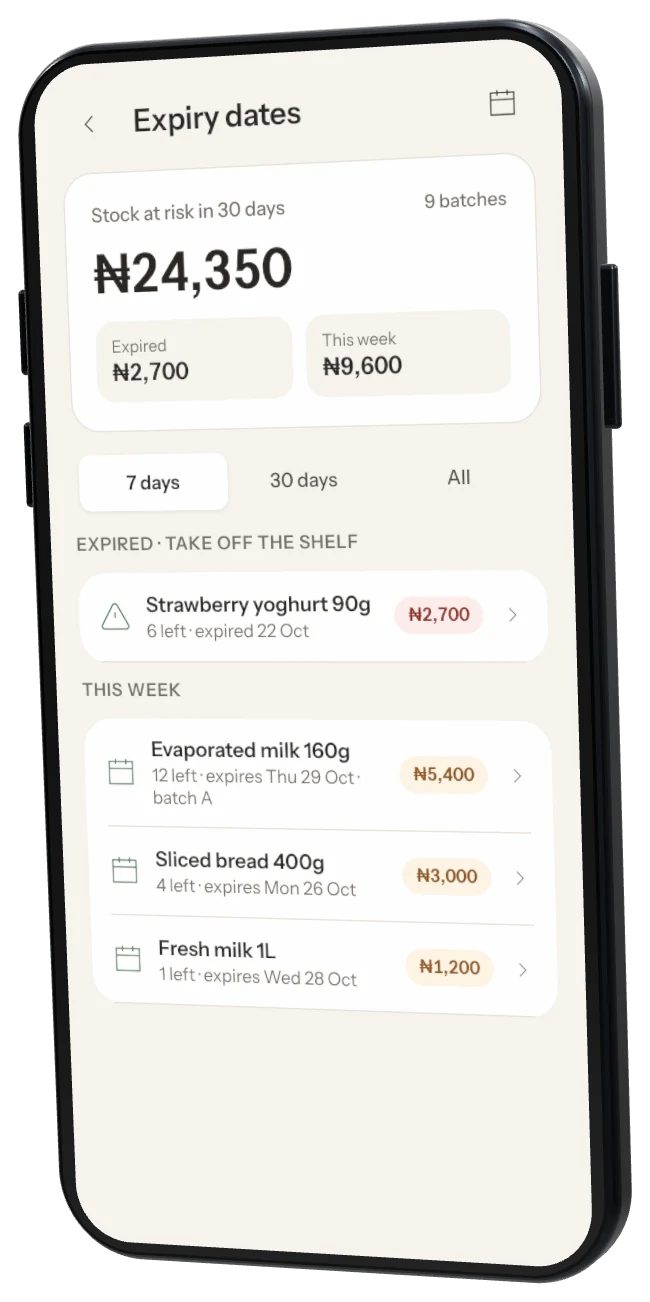
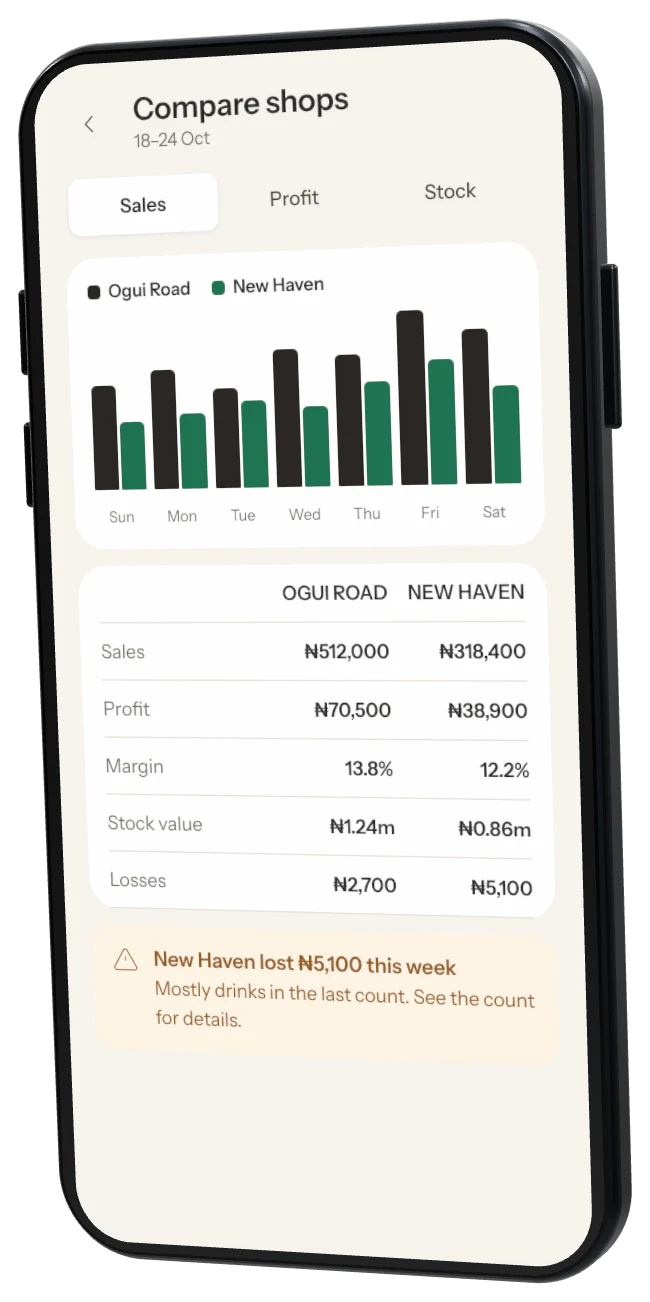
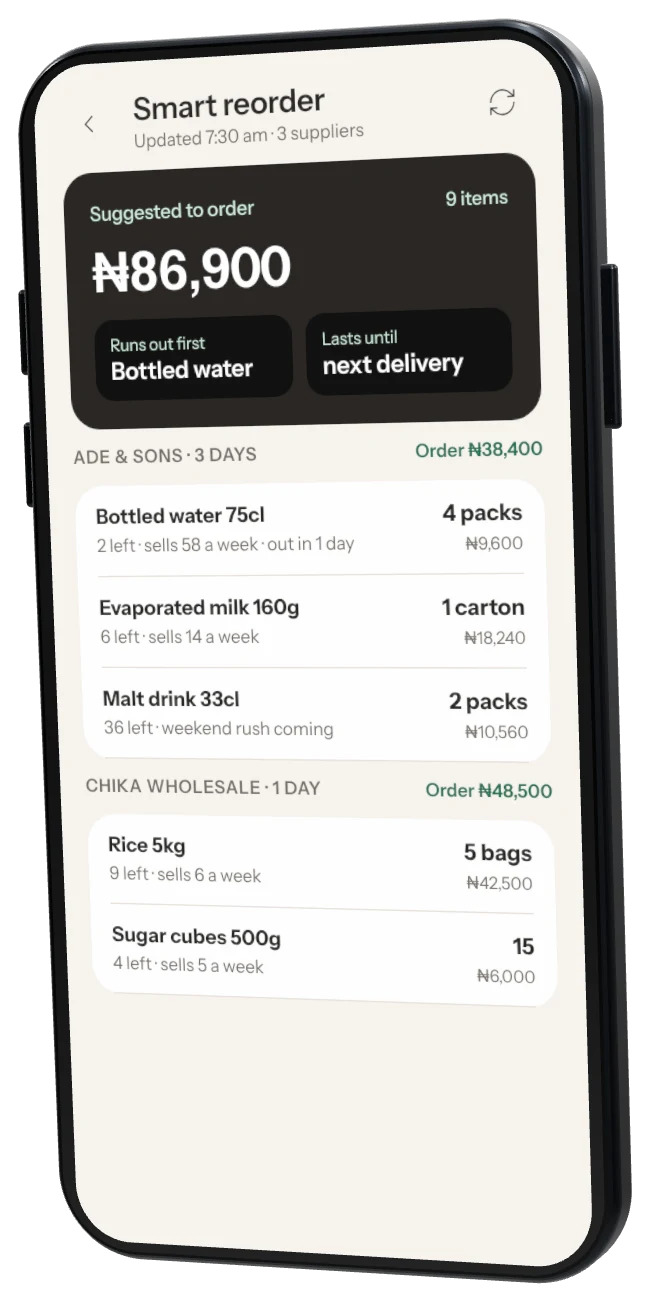
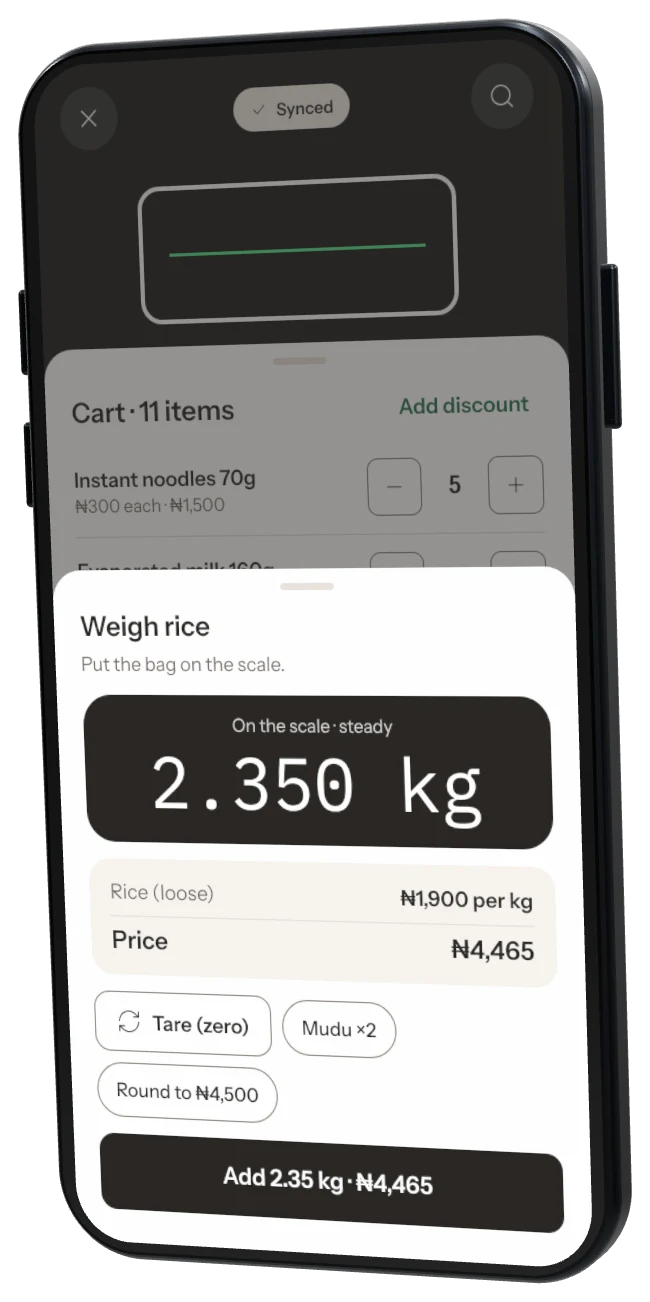
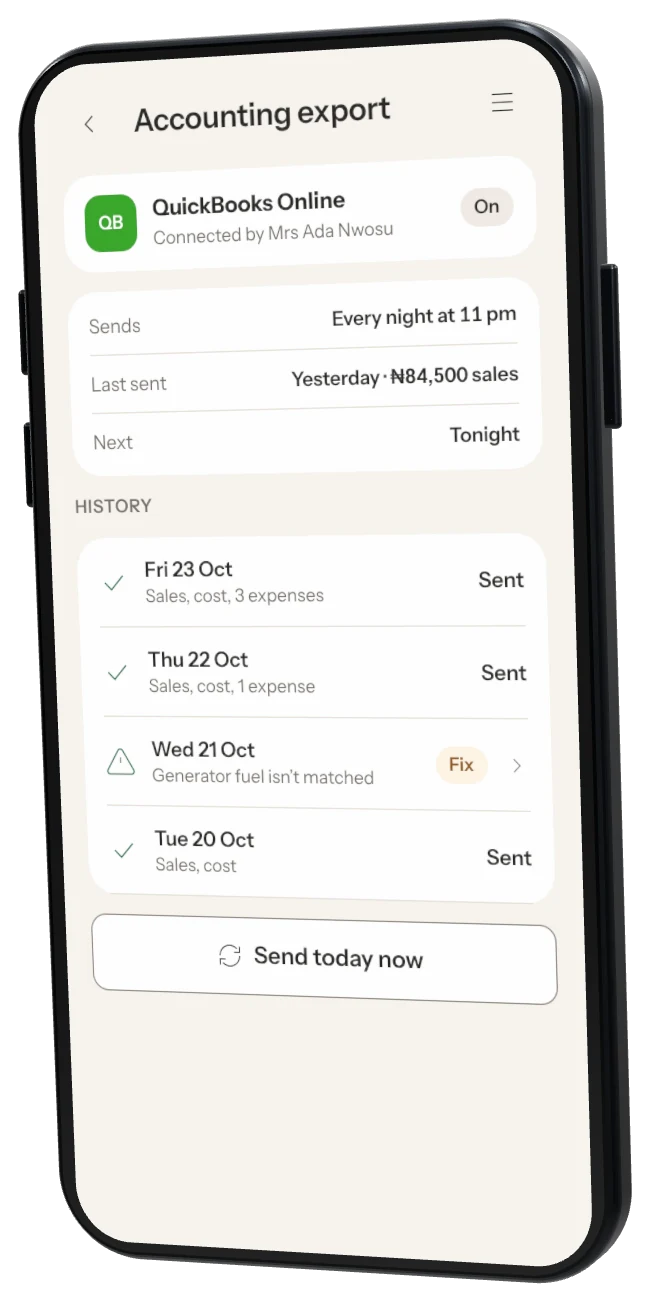
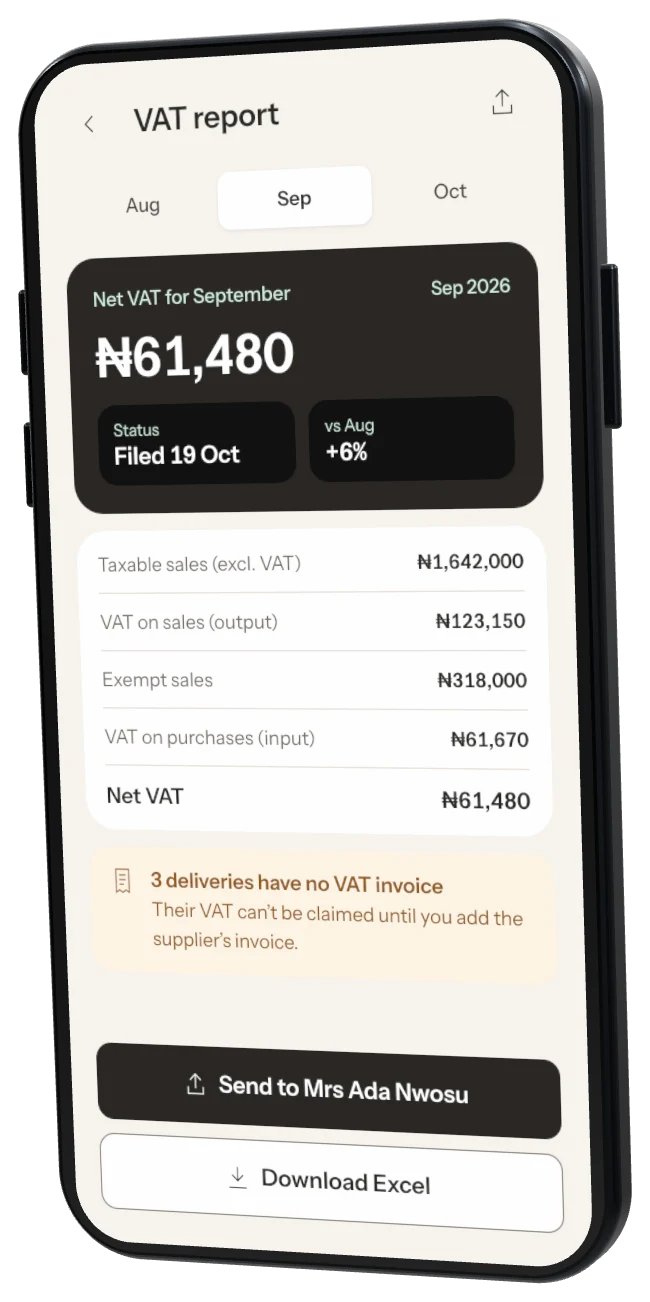
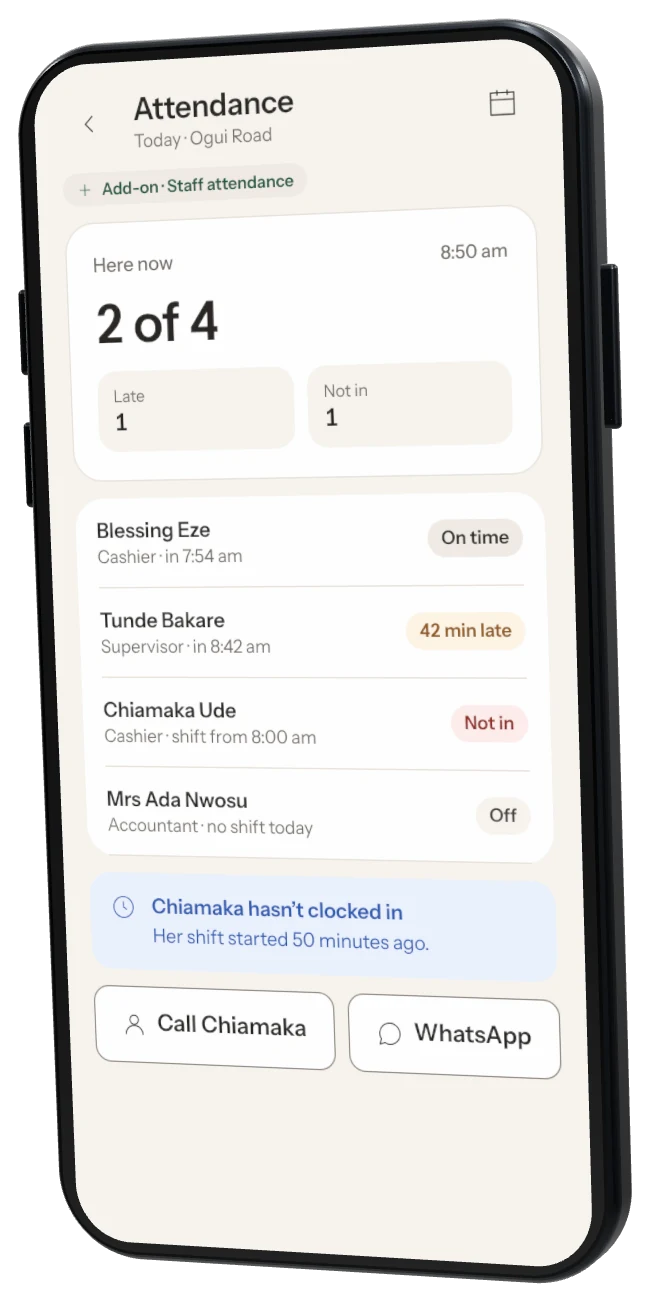
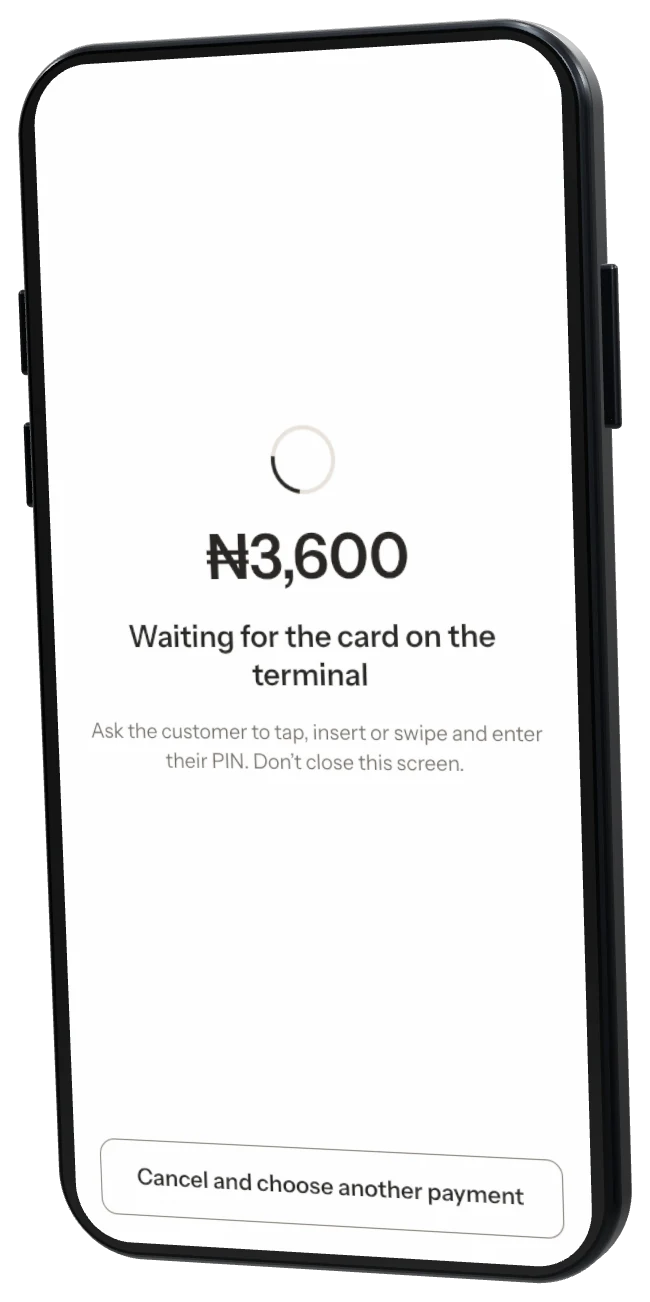
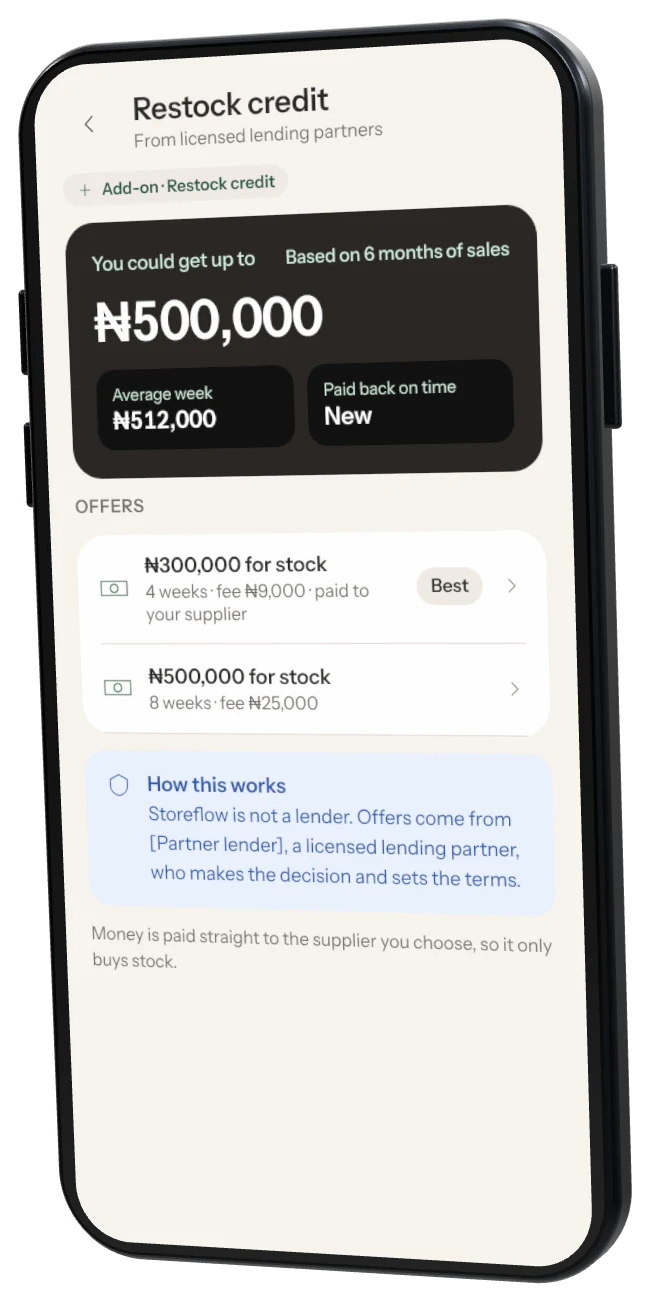
Getting startedCreate your Storeflow accountSign up on your phone in about 2 minutes. You need an email address you can open and a phone number. No card needed.1 min readProducts and stockAdd your productsScan a barcode or type a name, set your selling price and cost, and Storeflow keeps count for you.1 min readSellingMake a saleScan items, take payment and give a receipt. Selling works with or without internet.1 min readReceipts and printersConnect a Bluetooth receipt printerMost small thermal printers connect over Bluetooth in under a minute. You need the printer switched on with paper, and Bluetooth on your phone.1 min readTeam and rolesAdd a team memberInvite a cashier or manager. They sign in with their own PIN, so every sale shows who made it.1 min readOffline and backupsKeep your sales backed upEvery sale is saved on your phone first, then copied to Storeflow when you have internet. Here's how to make sure nothing is lost.1 min readGetting startedLog in and use your fingerprintLog in with your email and password, then let Storeflow use your fingerprint so the next log in takes a second.1 min readGetting startedReset your passwordForgot your password? We email you a 6-digit code to set a new one.1 min readGetting startedFinish setting up your shopThe Get your shop ready checklist on Home walks you through the first jobs. Most shops finish it in 15 minutes.1 min readGetting startedChange your shop detailsYour shop name, logo, phone, address and opening hours show on receipts. Change them any time.1 min readGetting startedChoose payment methods and sales rulesPOS settings decide which payments you accept, your bank account for transfers, discounts and what happens at zero stock.1 min readSellingTake cash, transfer, card or split paymentsStoreflow records how the customer paid. It never holds or moves the money.1 min readSellingGive a discountTake an amount or a percentage off the whole sale. It shows on the receipt.1 min readSellingPut a sale on holdServe the next customer while one is still deciding. Held sales wait under On hold.1 min readSellingSell an item that isn't in your productsThe customer is waiting. Sell it now and add the details later.1 min readSellingGive a refundReturn items, put good ones back in stock and record how the money went back.1 min readSellingFind a past sale and reprint the receiptEvery sale is in Sales history with its receipt.1 min readProducts and stockAdd products with no barcodeFor loose sugar, bread, rice by the cup, sachets and anything you pack yourself.1 min readProducts and stockSell in packs, cartons and sizesSell single pieces and whole packs from the same stock, and keep sizes or flavours apart.1 min readProducts and stockGroup products into categoriesCategories like Drinks or Cooking make products easier to find, count and compare in reports.1 min readProducts and stockChange a selling priceChange a price once and every phone and till uses it straight away.1 min readProducts and stockFix stock for damage, gifts or extra foundRecord damaged, expired, given away or found stock so your numbers stay right.1 min readProducts and stockReceive a deliveryAdd new stock when goods arrive, with or without a purchase order.1 min readProducts and stockCount your stockCount your shelves to find what is missing. You can keep selling while you count.1 min readProducts and stockGet told before you run outSet a low-stock level for each product. Storeflow checks every morning at 8:00 am.1 min readSuppliers and buyingAdd a supplierAdd the people you buy from so you can see what you owe them and order in a few taps.1 min readSuppliers and buyingRecord a payment to a supplierKeep track of what you owe each supplier and what you have paid.1 min readSuppliers and buyingOrder stock with a purchase orderSend an order to your supplier on WhatsApp and tick items off when they arrive.1 min readReports and moneySee your sales and profitReports shows money you made, profit and loss, best sellers and stock value for any period.1 min readReports and moneyRecord expensesRent, transport, fuel and salaries come out of your profit. Record them so your real profit is right.1 min readReports and moneyClose the day and count the cashCount the cash in your till and see if it matches the sales.1 min readReports and moneySend reports to your accountantExport any report as an Excel or PDF file and share it.1 min readReceipts and printersChange what shows on your receiptAdd your logo, address, cashier's name and a message at the bottom.1 min readReceipts and printersPrinter settings: paper, copies and darknessSet the paper size, print after every sale, copies and how dark receipts print.1 min readReceipts and printersSet up a label printerPrint price and barcode stickers on a Bluetooth label printer.1 min readReceipts and printersPrint price labelsPrint stickers with the price and barcode for the shelf or the pack.1 min readReceipts and printersSend receipts on WhatsAppNo printer? Every sale can send a receipt on WhatsApp or share it as a PDF.1 min readTeam and rolesJoin a shop as a cashierGot an invite from a shop owner? Join with the 6-digit code and make your PIN.1 min readTeam and rolesChoose what each role can doEach person has one role. Change a role and everyone with it updates straight away.1 min readTeam and rolesReset a PIN, pause or remove someoneLook after your staff's access from Team.1 min readPlans and billingWhich plan do I need?Start free. Upgrade when you need more products, staff or tools.1 min readPlans and billingUpgrade or start a free trialPay securely with Paystack: card, bank transfer or USSD. Cancel any time.1 min readPlans and billingUse a coupon codeGot a code from Storeflow? Add it before you pay.1 min readAdd-onsTurn an add-on on or offAdd-ons are extra tools billed with your plan. Many start with a 7-day free trial.1 min readAdd-onsCredit book: sell on creditKnow who owes you, with a limit for each customer and polite WhatsApp reminders.1 min readAdd-onsLoyalty pointsCustomers earn points on every sale and can spend them as a discount.1 min readAdd-onsDeals: multi-buy, carton prices and happy hourSet a deal once and Storeflow applies it at every till and phone, even offline.1 min readAdd-onsWhatsApp orders from a linkShare one link and customers send you their order.1 min readAdd-onsSend messages to customersTell customers about deals and new stock by SMS or WhatsApp. Pay only for the messages you send.1 min readAdd-onsDeliveries and ridersSend orders out with a rider and record cash collected on delivery.1 min readAdd-onsTrack expiry datesAdd expiry dates when you receive stock and get a morning alert before goods expire.1 min readAdd-onsRun more than one shopSwitch between shops, compare sales and move stock between them.1 min readAdd-onsSmart reorderStoreflow suggests what to buy and how much, from your last 4 weeks of sales.1 min readAdd-onsSell by weightWeigh rice, beans and garri at the till, with or without a Bluetooth scale.1 min readAdd-onsSend sales to your accountantMake one balanced journal per day for Excel, QuickBooks, Zoho, Xero or Sage.1 min readAdd-onsVAT on receipts and the VAT reportShow VAT on receipts, mark exempt products and get a monthly VAT report.1 min readAdd-onsStaff clock in and outStaff clock in and out with their PIN. See hours worked and who is late.1 min readAdd-onsLink your POS terminalSend the amount from Storeflow to your partner terminal. The sale completes when the bank approves.1 min readAdd-onsRestock now, pay laterOffers from licensed lending partners, based on your sales. Storeflow does not lend.1 min readAdd-onsOrder from distributorsOrder from partner distributors near you and receive the delivery straight into stock.1 min readOffline and backupsLog out without losing salesBack up first, so every sale is safe before you log out.1 min readOffline and backupsSell with no internetSelling, counting and receiving all work offline. Storeflow backs up when the network is back.1 min readAccount and helpGet help from StoreflowMessage us in the app or on WhatsApp. We usually reply in 10 minutes, Mon to Sat, 8 am to 8 pm.1 min readAccount and helpLet support look at your shopMake a code so Storeflow support can look at your shop. They can't change anything.1 min readAccount and helpUpdate StoreflowKeep Storeflow up to date to get fixes and new features.1 min readAccount and helpDownload or delete your shop dataDownload your records any time. Deleting your shop removes everything after 30 days.1 min readTroubleshootingThe camera won't scanLet Storeflow use the camera, or type the barcode instead.1 min readTroubleshootingThe printer won't printMost printer problems are pairing, paper the wrong way round or the printer asleep.1 min readTroubleshootingSales aren't backing upSales stay safe on your phone until they back up. Here's how to push them through.1 min readTroubleshootingStoreflow closed by itselfYour sales are safe. Send us the error report so we can fix it.1 min read