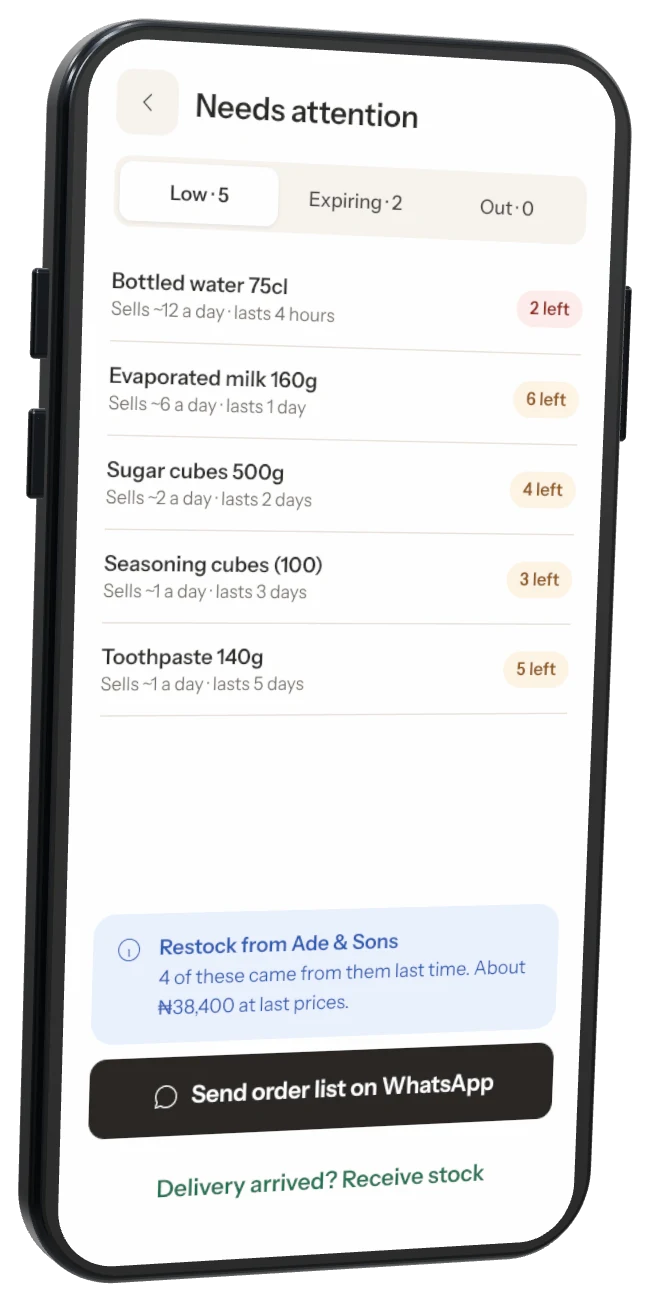
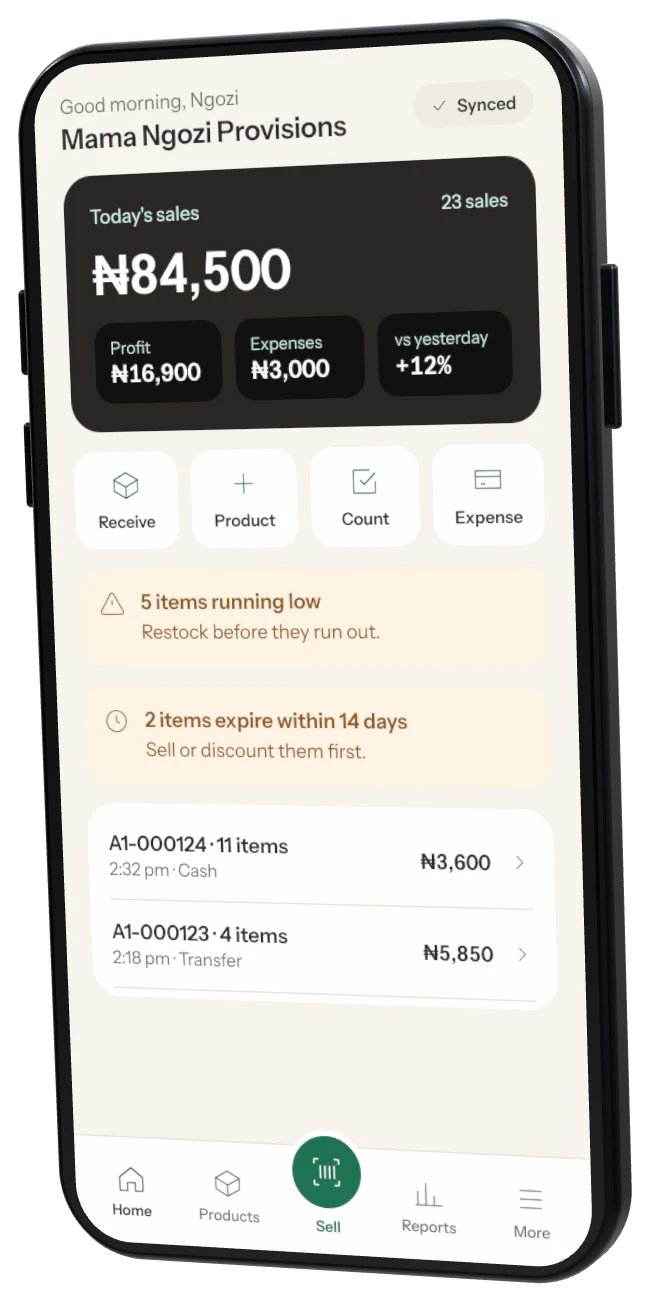
Create your shop on your phone
Download Storeflow from the App Store or Google Play and set up your shop. Choose the Business plan.
Keyboard-fast selling with a USB barcode scanner, receipt printer and cash drawer — plus the full back office on a big screen. Same shop as your phone, always in step.
Included in the Business plan · create your shop on your phone first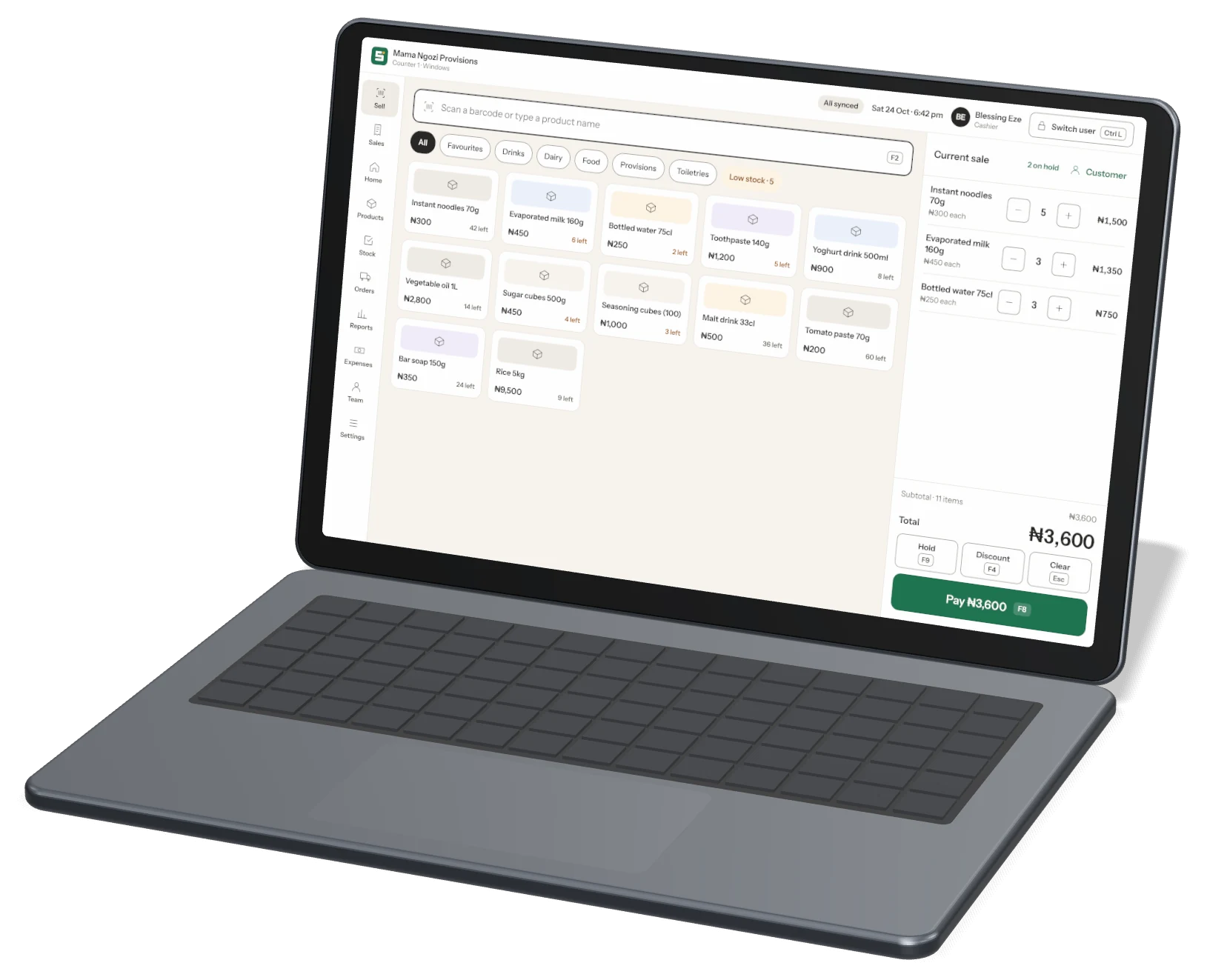
All the power of classic shop software, without the complexity. Every screen works with a mouse, touch screen or just the keyboard.
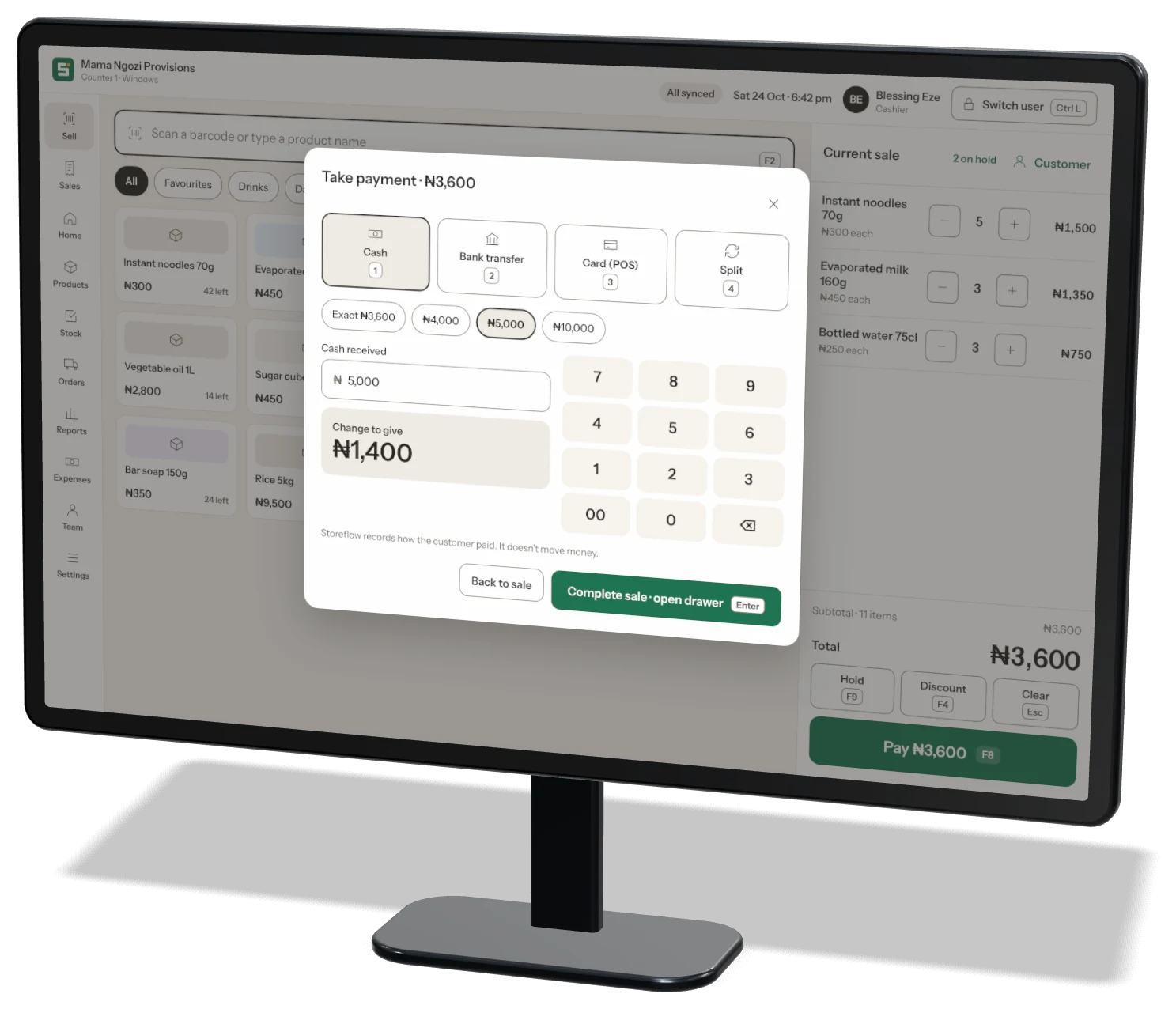
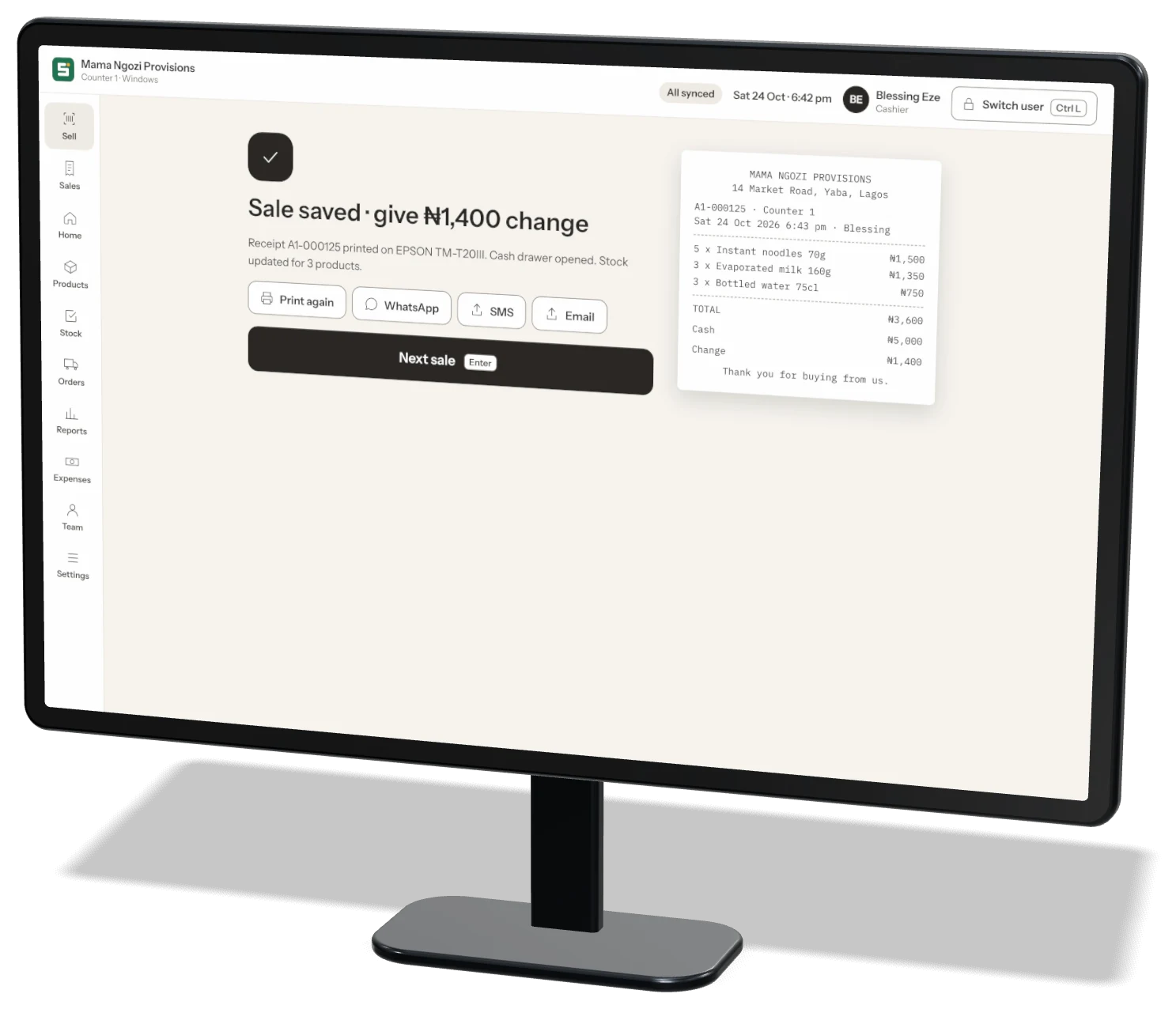
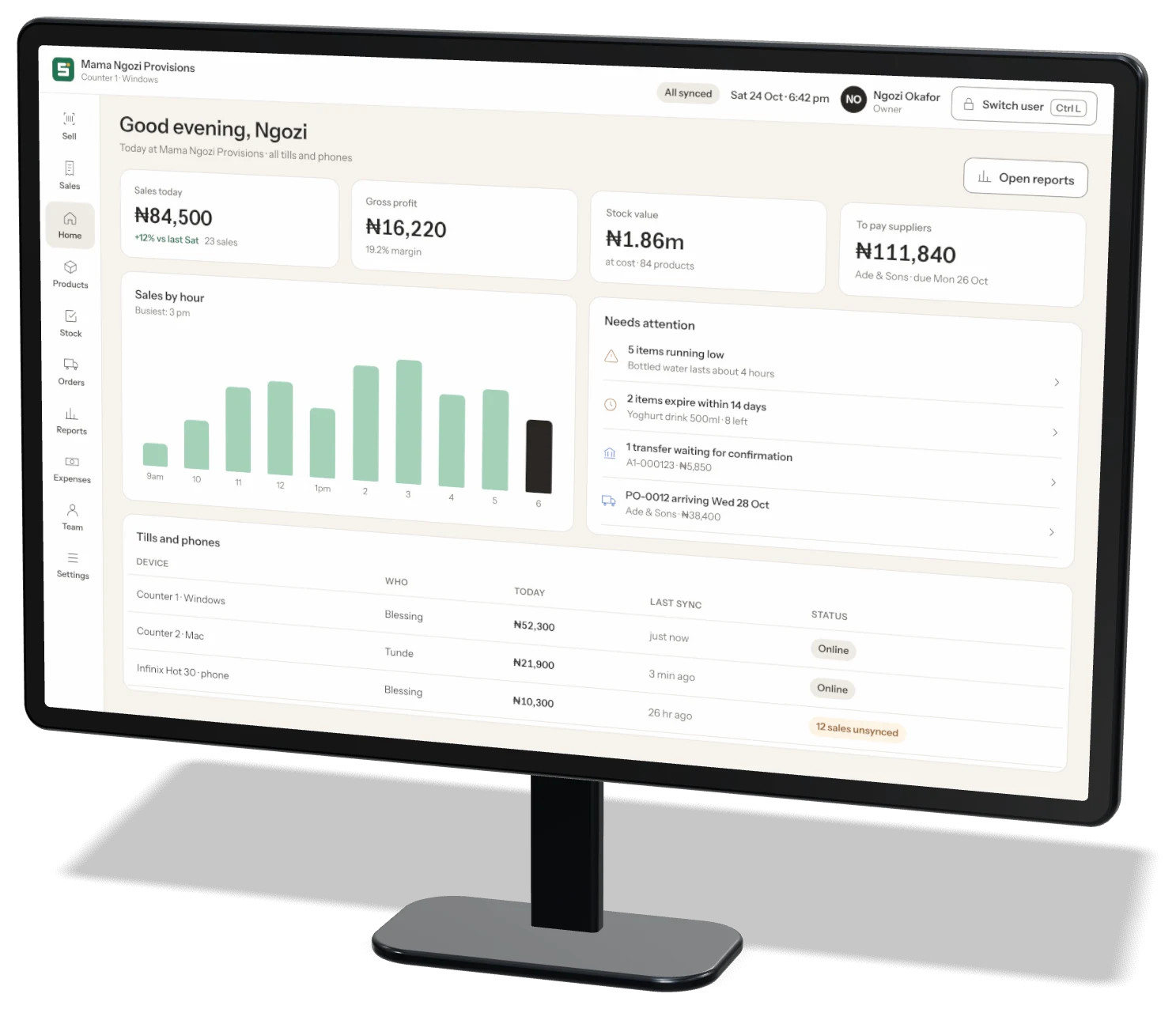
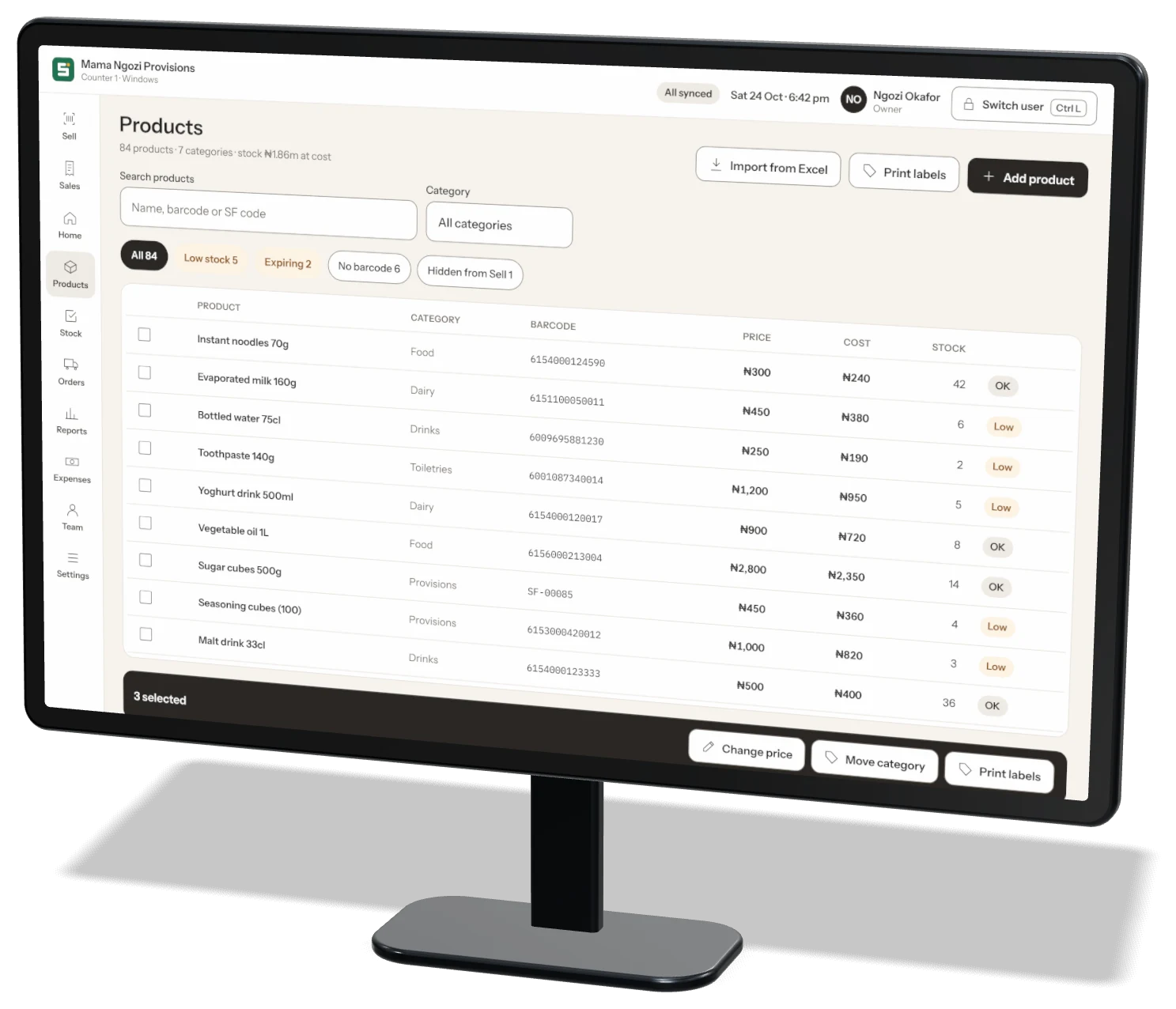
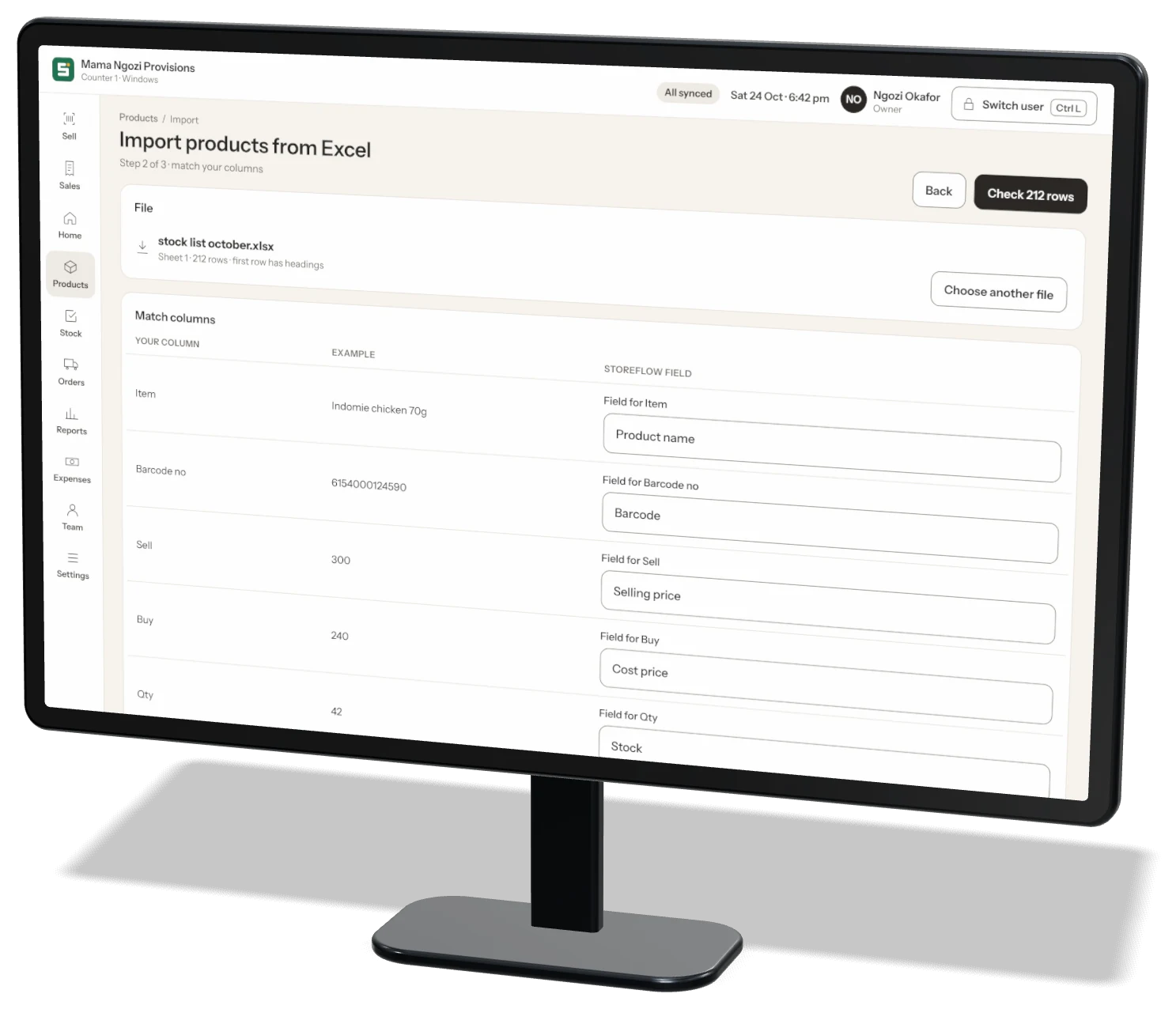
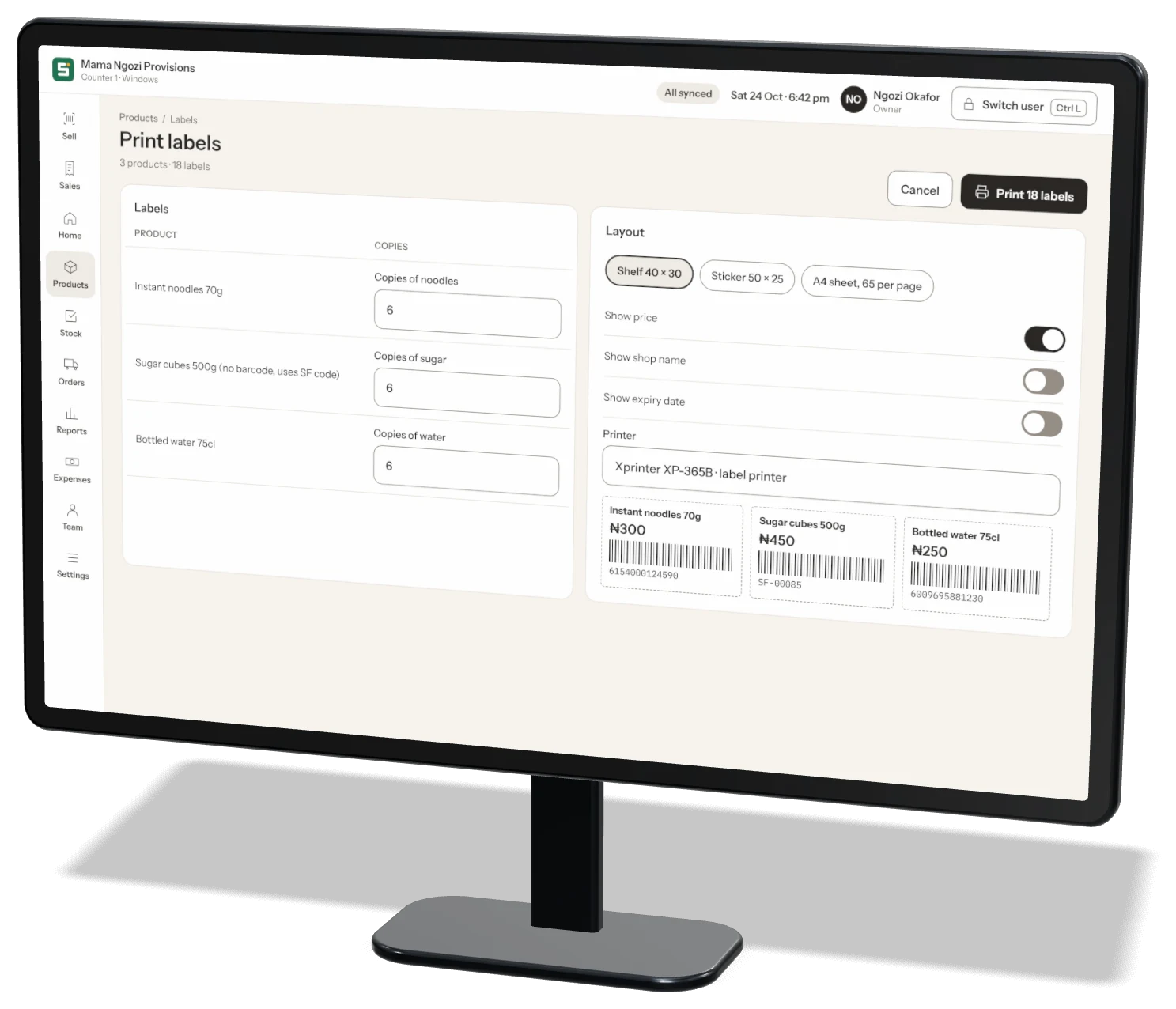
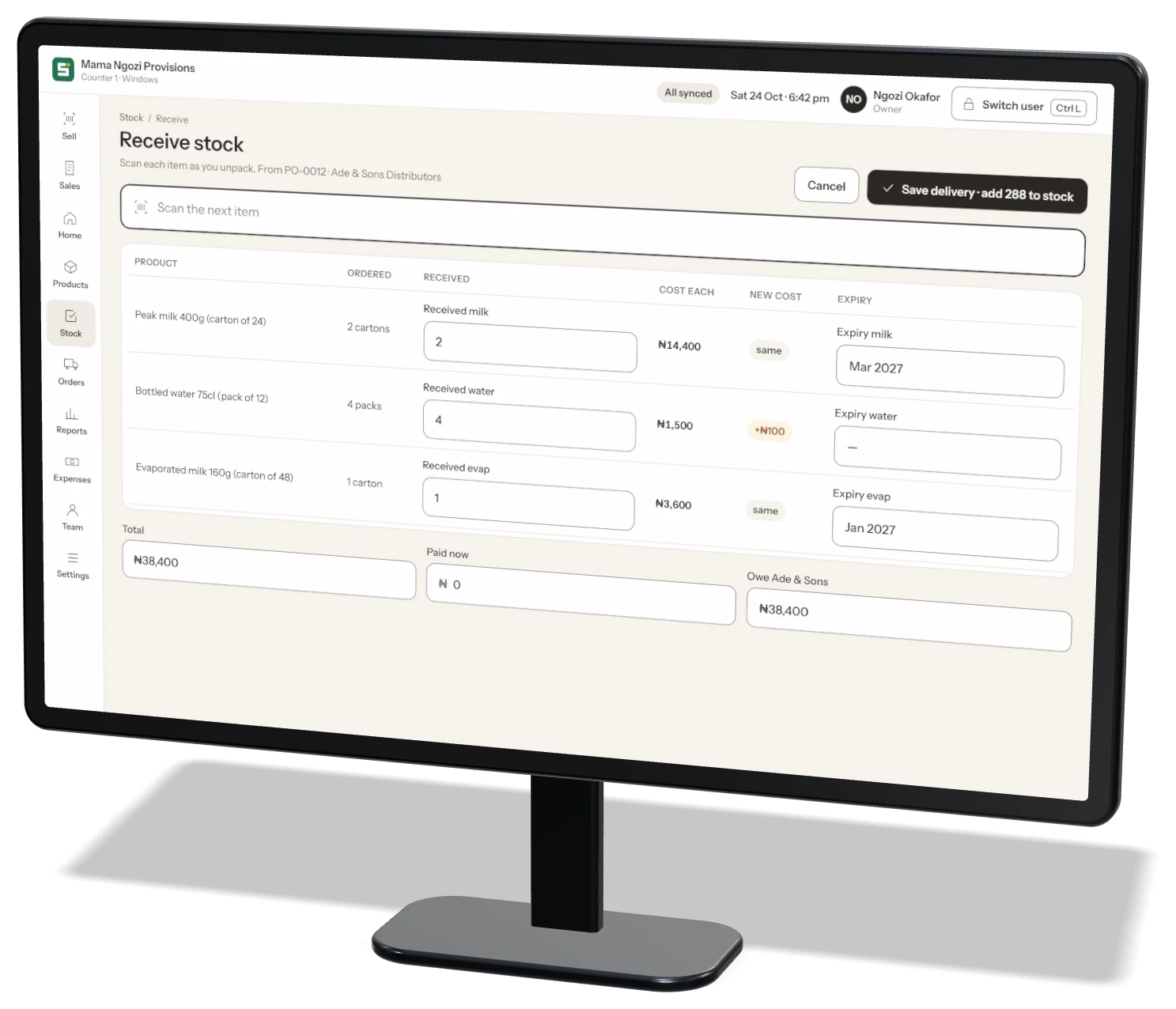
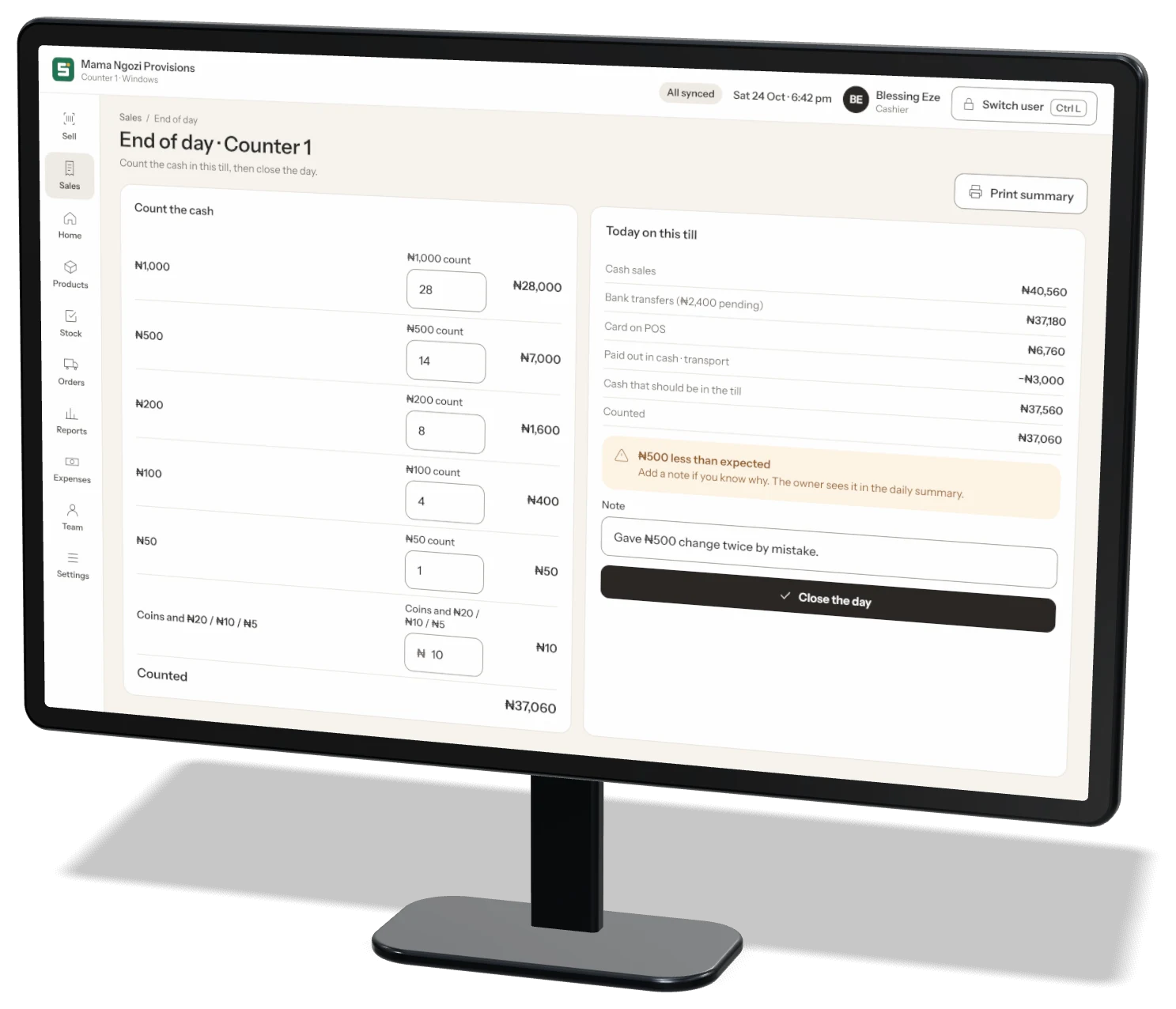
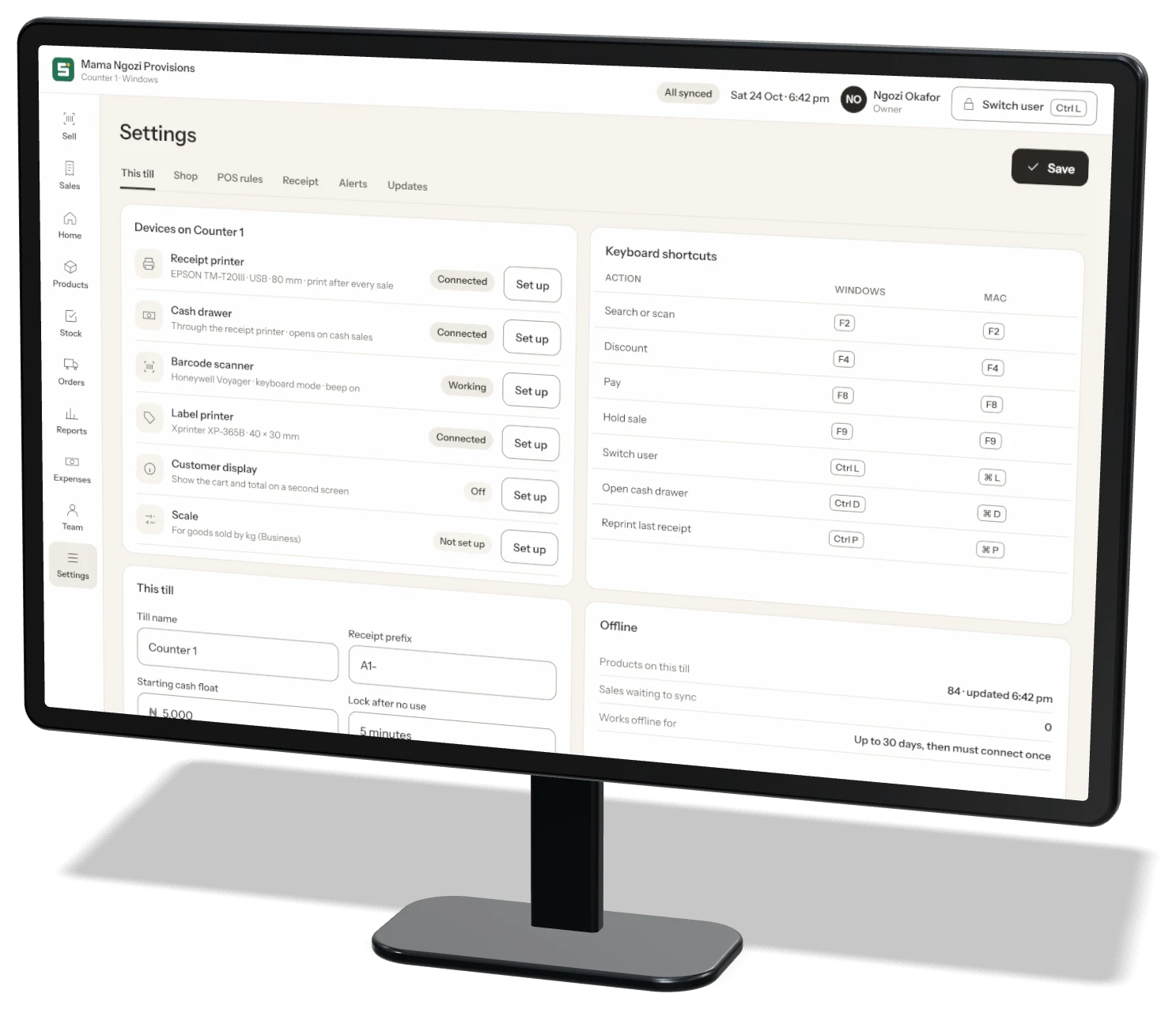
The scan box is always ready. Every action has a key, so a busy cashier never slows down.
Download Storeflow from the App Store or Google Play and set up your shop. Choose the Business plan.
Download for Windows or Mac. Log in as the owner, or enter the till code from More → Settings → Tills on your phone.
Storeflow finds your printer, scanner and cash drawer. Print a test receipt and start selling.
Yes — you create your shop and your account in the phone app. After that, the desktop app logs in with the same account, or links as a till with a code.
Yes. Each till keeps your products and sells offline. Sales sync when the internet is back. A till must connect at least once every 30 days.
Storeflow Desktop is included in the Business plan, with unlimited staff and custom roles.
Yes. Each computer is a till with its own name, receipt numbers and end-of-day cash count.
Download Storeflow free and make your first sale today. Free for up to 100 products — no card needed.