Staff clock in and out
1 minute read · updated 27 Oct 2026Staff clock in and out with their PIN. See hours worked and who is late.
Step 1: Set shifts
Open Attendance and tap Set shifts. Lateness is counted against these times.Step 2: Clock in
Staff tap Clock in with their PIN when they arrive, and Clock out when they leave.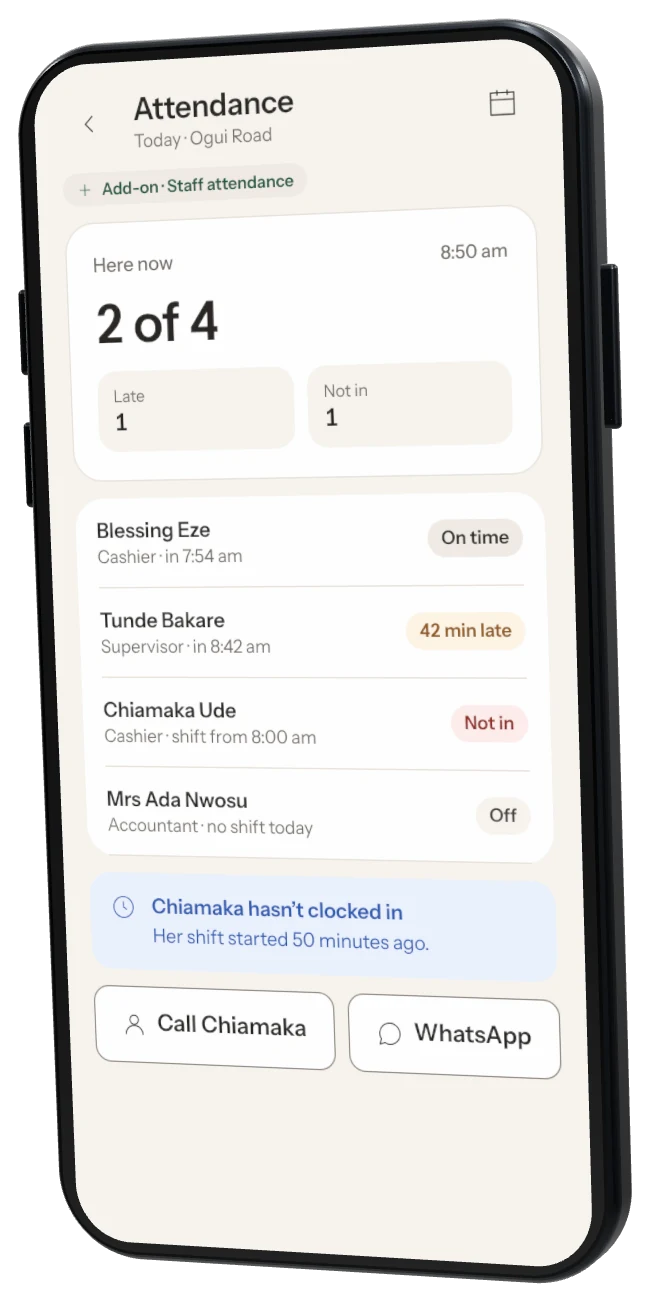
Step 3: Export hours
Tap Export hours for payroll to get each person's hours for the month.
Was this helpful?