Find a past sale and reprint the receipt
1 minute read · updated 27 Oct 2026Every sale is in Sales history with its receipt.
Step 1: Open Sales history
Tap More, then Sales history. Pick a day or search by receipt number or amount.Step 2: Open the sale
Tap it to see the items, payment and who sold it.Step 3: Print or share
Tap Print receipt, or Share receipt to send it on WhatsApp.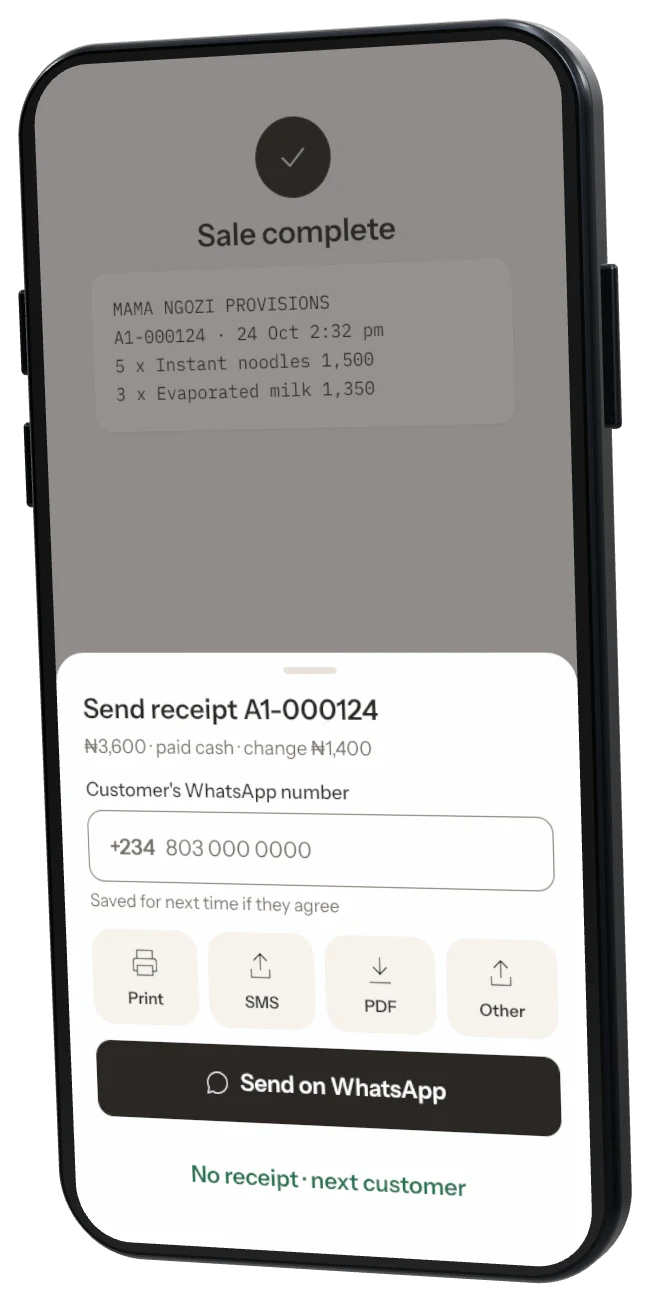
Was this helpful?