Receive a delivery
1 minute read · updated 27 Oct 2026Add new stock when goods arrive, with or without a purchase order.
Step 1: Open Receive stock
On Home tap Receive stock, or tap More, then Receive stock.Step 2: Choose the supplier
Pick who delivered and type the invoice number if there is one.Step 3: Scan each item
Scan each product and set how many arrived. Scan the same one again to add another.Step 4: Check prices and pay
Tap Review prices to update cost prices, and enter the amount paid now. The rest is what you owe the supplier.Step 5: Save
Tap Save delivery. You can print price labels for this delivery straight away.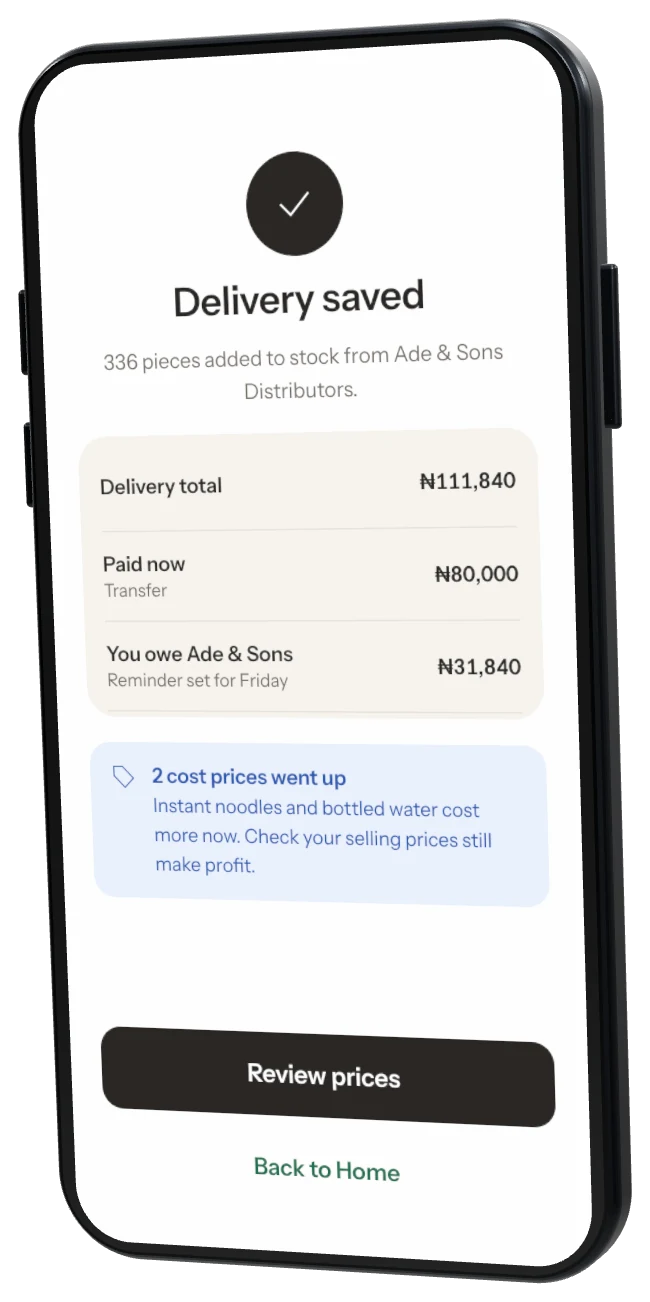
Was this helpful?