Create your Storeflow account
1 minute read · updated 27 Oct 2026Sign up on your phone in about 2 minutes. You need an email address you can open and a phone number. No card needed.
Step 1: Install Storeflow
Get Storeflow from Google Play on your Android phone, open it and tap Create an account.Step 2: Enter your details
Type your name, email address, phone number and a password. Use an email you can open right now.Step 3: Verify your email
We send a 6-digit code to your email. Type it in to verify your account. No email after a minute? Check your spam folder, then tap Resend.Step 4: Set up your shop
Add your shop name, city and what you sell. You can add a logo and turn on VAT later in Settings.Step 5: Start on Home
Home shows today's sales, what needs restocking and a short checklist to get you selling.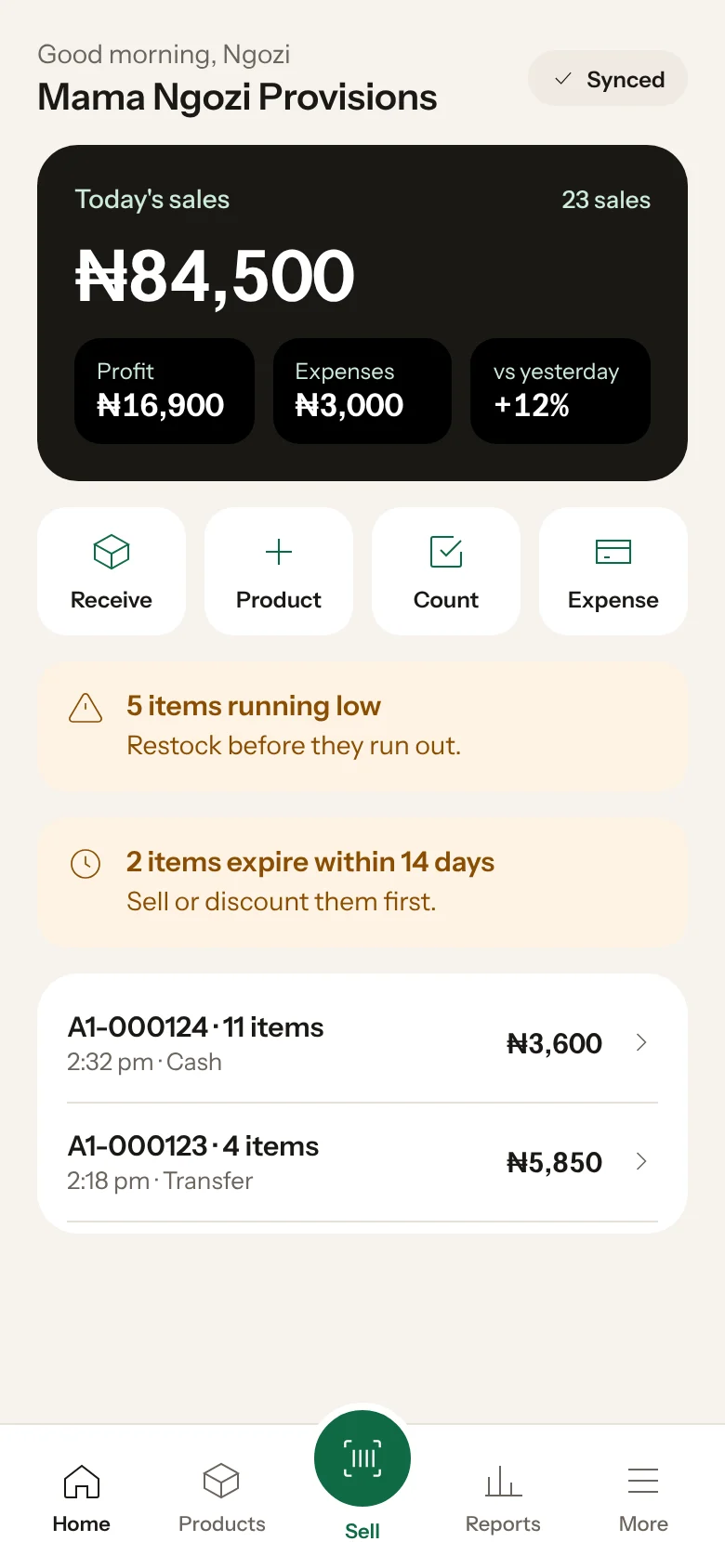
Forgot your password? On the log in screen tap Forgot password. We email you a code to set a new one.
Was this helpful?