Run more than one shop
1 minute read · updated 27 Oct 2026Switch between shops, compare sales and move stock between them.
Step 1: Add a shop
Open Shops and tap Add a shop. Start with the same products and prices if you like.Step 2: Switch shop
Tap Switch shop to choose which shop this phone sells in. Stay online for a moment while its stock comes over.Step 3: Compare
Tap Compare shops to see sales and stock side by side.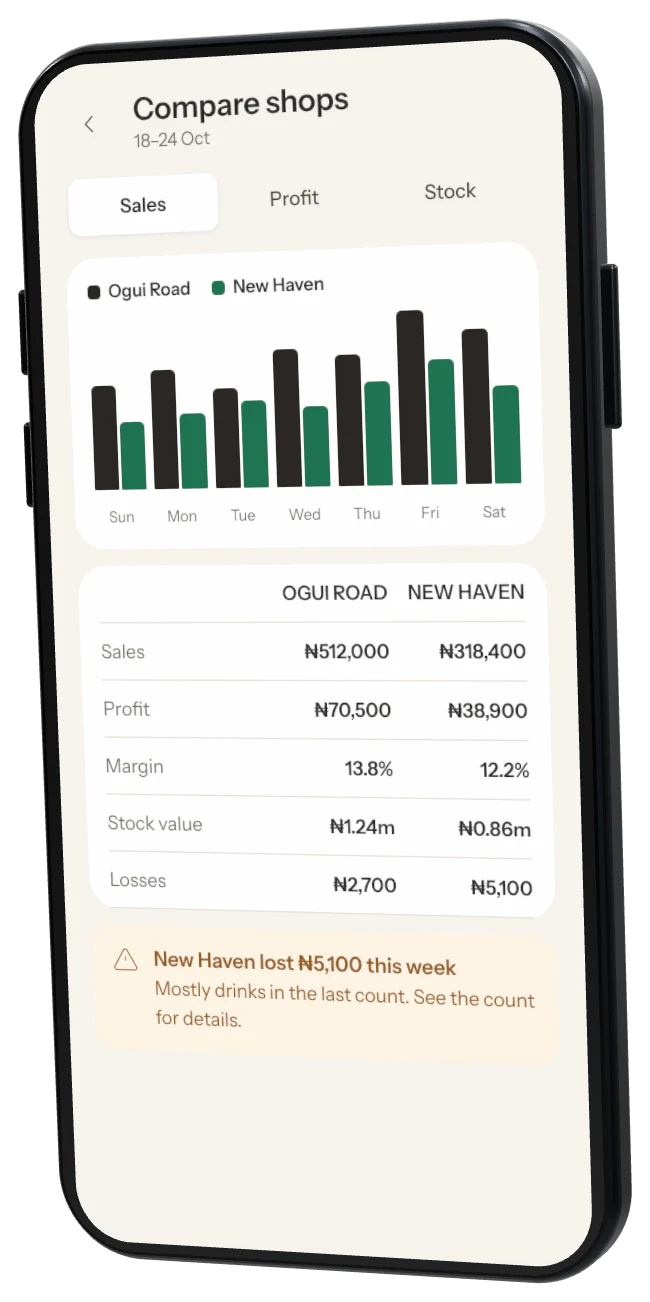
Step 4: Move stock
Tap Move stock, choose from and to, add the items and who is carrying them.
Was this helpful?