Deliveries and riders
1 minute read · updated 27 Oct 2026Send orders out with a rider and record cash collected on delivery.
Step 1: Add your riders
Open Delivery, then Add a rider. Riders don't need the app: they get each delivery on WhatsApp.Step 2: Send a delivery
Add the items in Sell, then tap New delivery. Add the customer's name, address and landmark, and choose a rider.Step 3: Mark it delivered
When the rider is back, tap Mark as delivered and count the cash in. The sale is recorded then.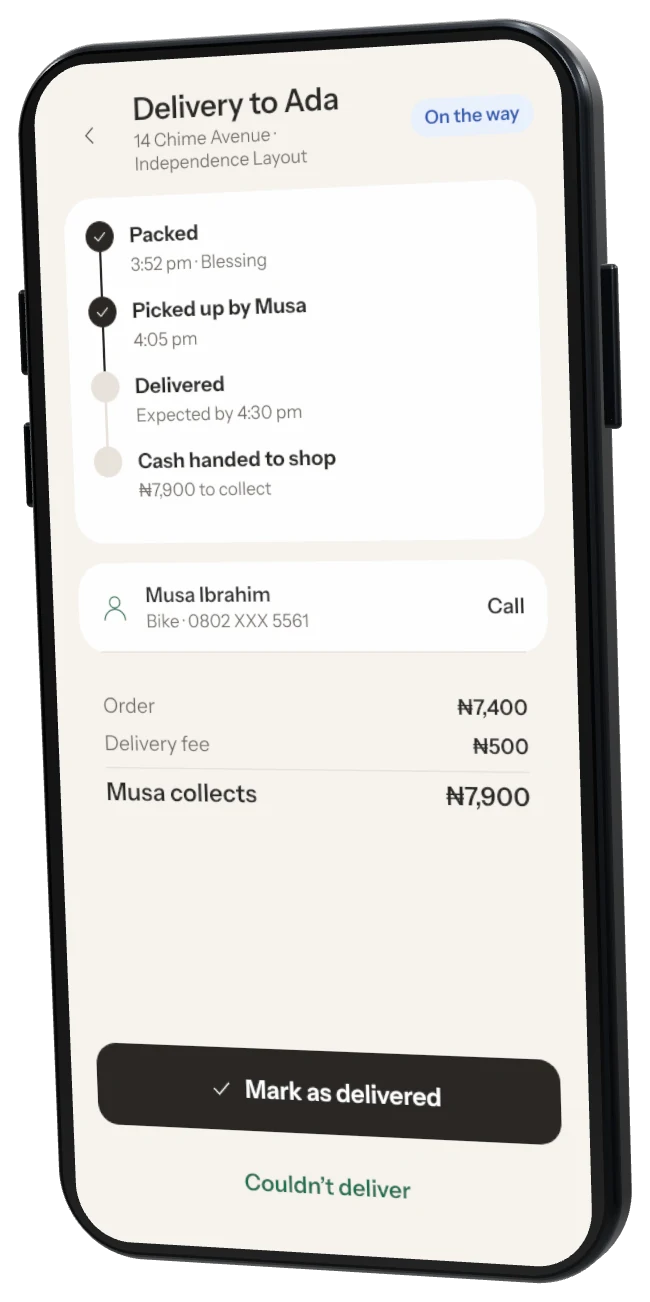
Was this helpful?