Get told before you run out
1 minute read · updated 27 Oct 2026Set a low-stock level for each product. Storeflow checks every morning at 8:00 am.
Step 1: Set the level
Open a product, tap Tell me when stock drops to, type a number and tap Save alert level.Step 2: Turn on alerts
Tap More, then Shop settings, then Low stock and expiry, and choose what to be told about.Step 3: See what needs attention
Tap More, then Notifications, to see what is running low or gone. Tap Send order list on WhatsApp to order it.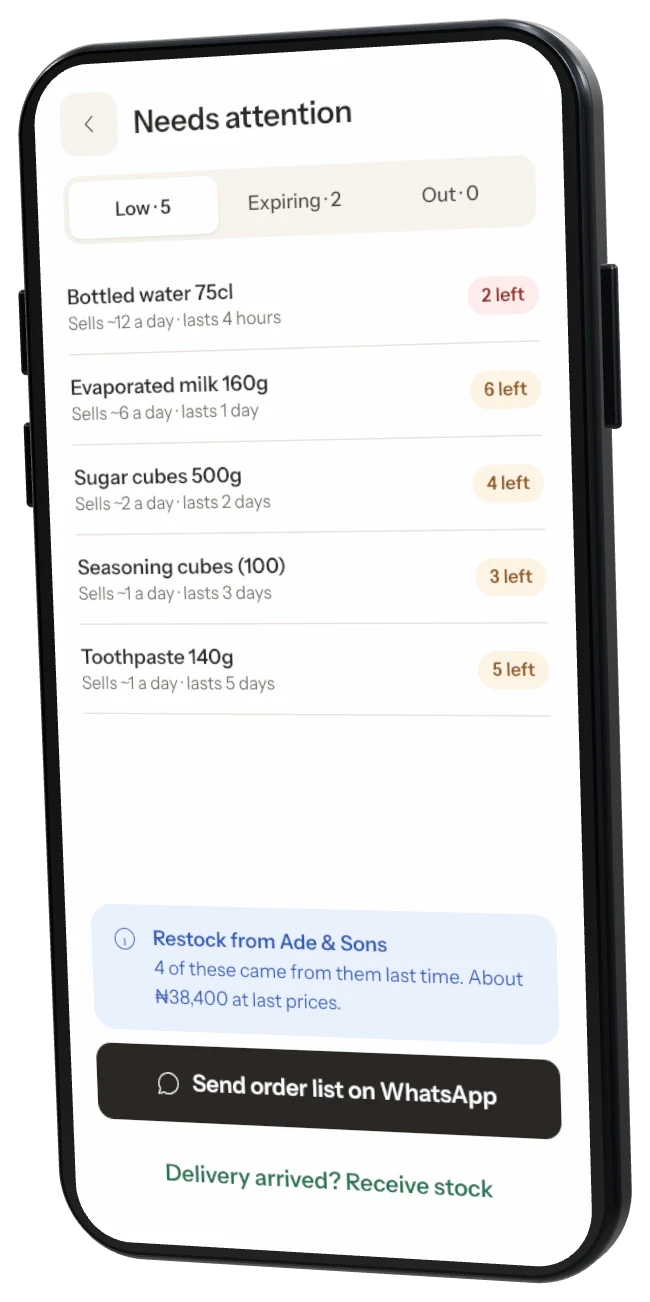
Was this helpful?