WhatsApp orders from a link
1 minute read · updated 27 Oct 2026Share one link and customers send you their order.
Step 1: Set up your order page
Open WhatsApp orders, then Order page and link. Choose the products, show prices, pickup or delivery, and a smallest order.Step 2: Share your link
Share it on WhatsApp, post it to your status, or print the QR code for the counter.Step 3: Handle orders
New orders show in the list. Accept, change or reject each one.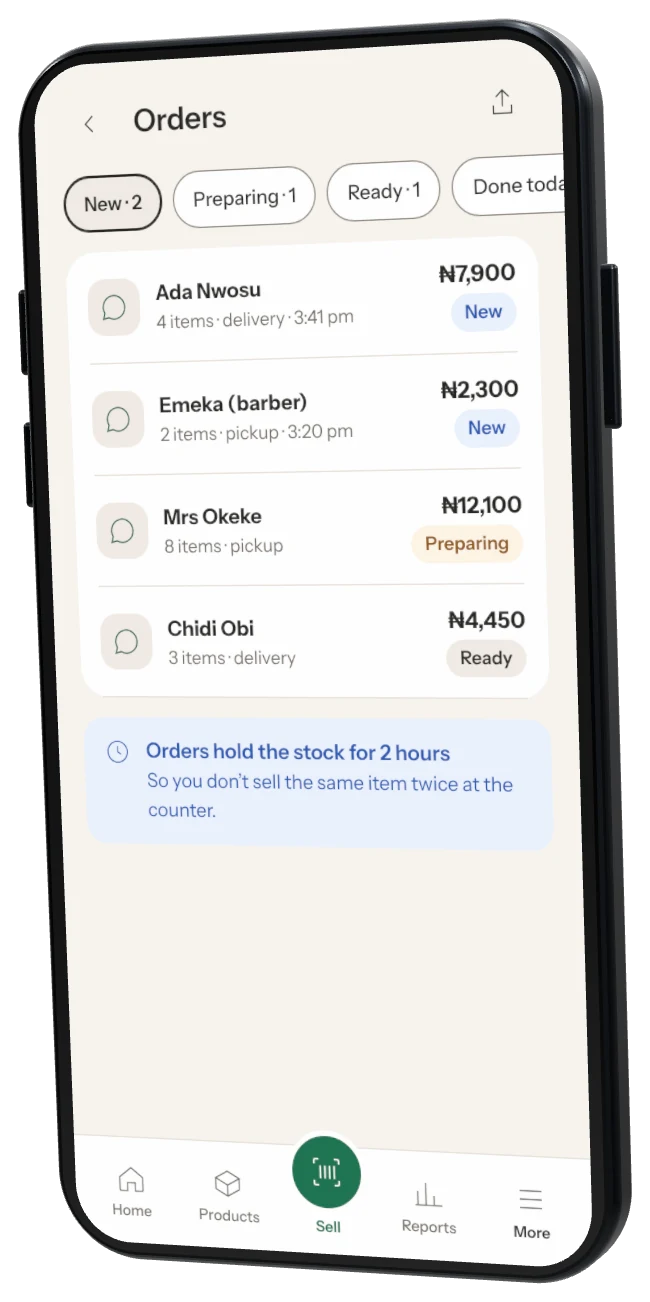
Payments Customers pay you when they collect or on delivery. Storeflow passes on orders and never takes payments.
Was this helpful?