Credit book: sell on credit
1 minute read · updated 27 Oct 2026Know who owes you, with a limit for each customer and polite WhatsApp reminders.
Step 1: Add a credit customer
Open Credit book and tap Add credit customer. Add their WhatsApp number and a credit limit.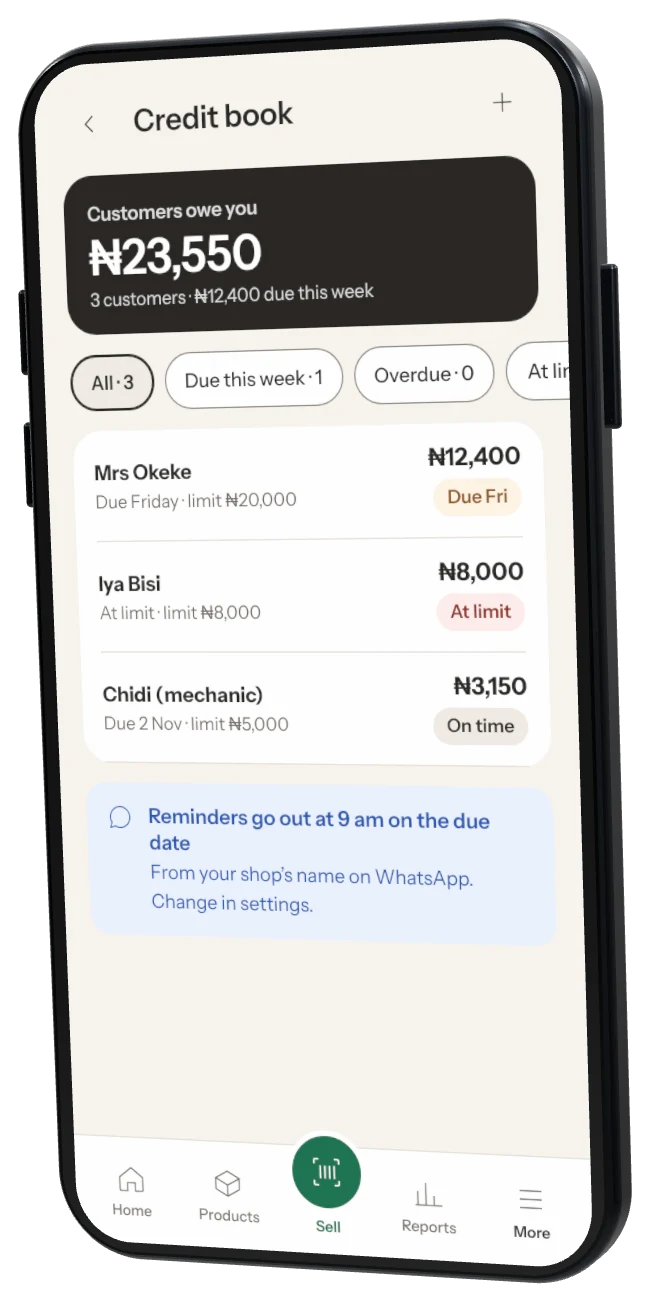
Step 2: Sell on credit
At payment, choose Credit and pick the customer. Set when they will pay back. Storeflow stops a sale over their limit.Step 3: Record a payment
Open the customer and tap Got paid. Part payments are fine.Step 4: Remind them
Tap Remind to send a polite WhatsApp message with their balance and due date.
Was this helpful?