Loyalty points
1 minute read · updated 27 Oct 2026Customers earn points on every sale and can spend them as a discount.
Step 1: Set the rules
Open Loyalty, then Points rules. Set how many points a sale earns, welcome points, and when points expire.Step 2: Add a member
At the till tap Add customer, type their phone number and add them.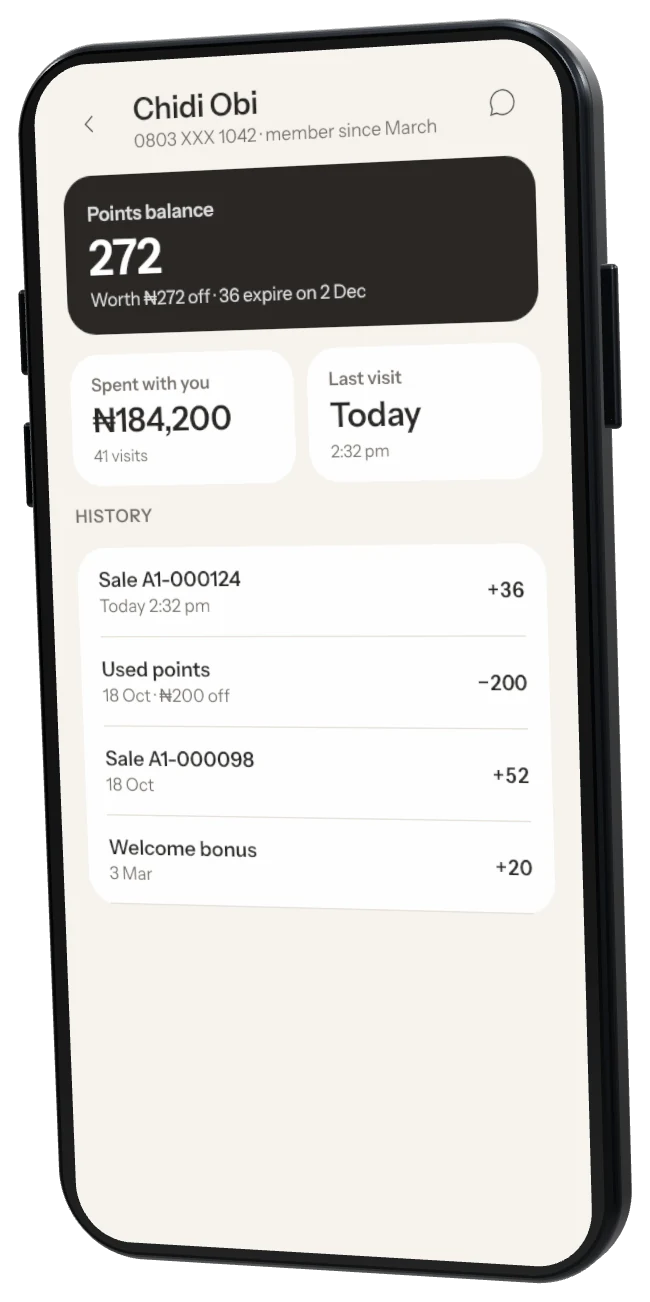
Step 3: Use points
When a member pays, choose to use their points as a discount, or don't use points.
Was this helpful?