Add a supplier
1 minute read · updated 27 Oct 2026Add the people you buy from so you can see what you owe them and order in a few taps.
Step 1: Open Suppliers
Tap More, then Suppliers, then Add supplier.Step 2: Fill in the details
Business name, contact person, phone or WhatsApp and market. Tap Pick from phone contacts to save typing.Step 3: Set payment terms
Choose when you usually pay, and add any money you already owe them.Step 4: Save
Tap Save supplier. Deliveries and payments now show on their page.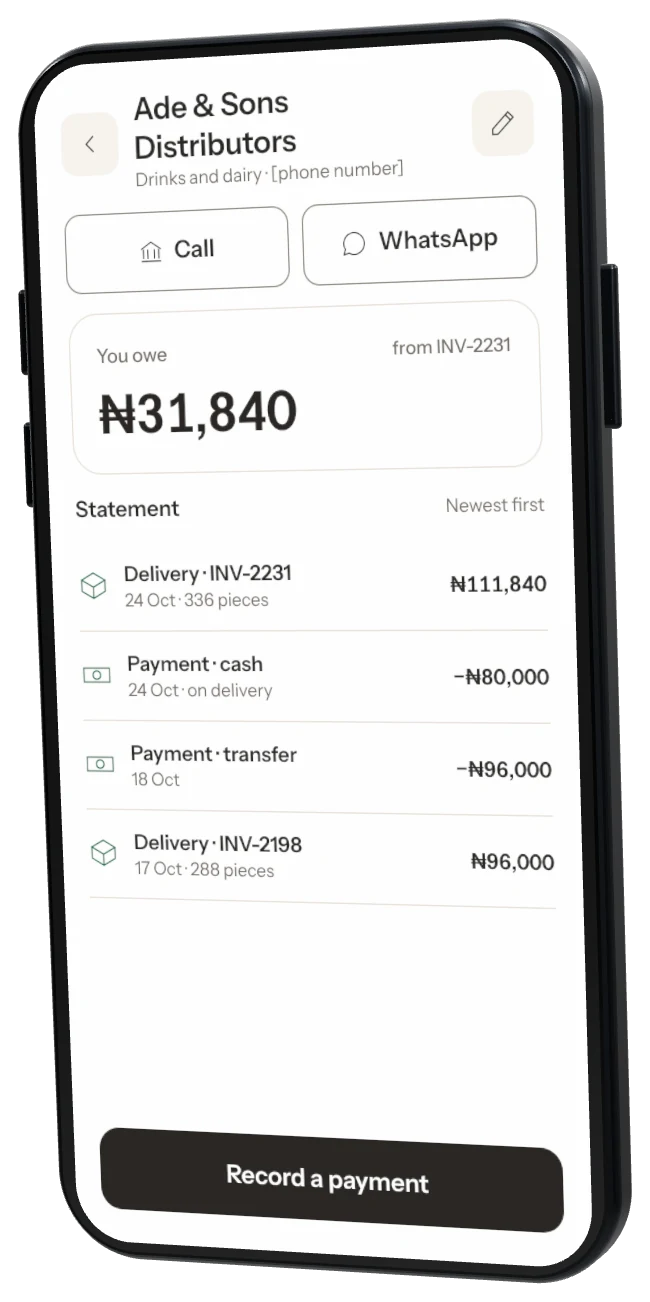
Was this helpful?