Link your POS terminal
1 minute read · updated 27 Oct 2026Send the amount from Storeflow to your partner terminal. The sale completes when the bank approves.
Step 1: Pair your terminal
On the terminal, open the Storeflow app and tap Pair with phone. Type the 6-digit code in Storeflow.Step 2: Take a card payment
Choose Card (POS). The amount goes to the terminal; the customer taps or inserts their card.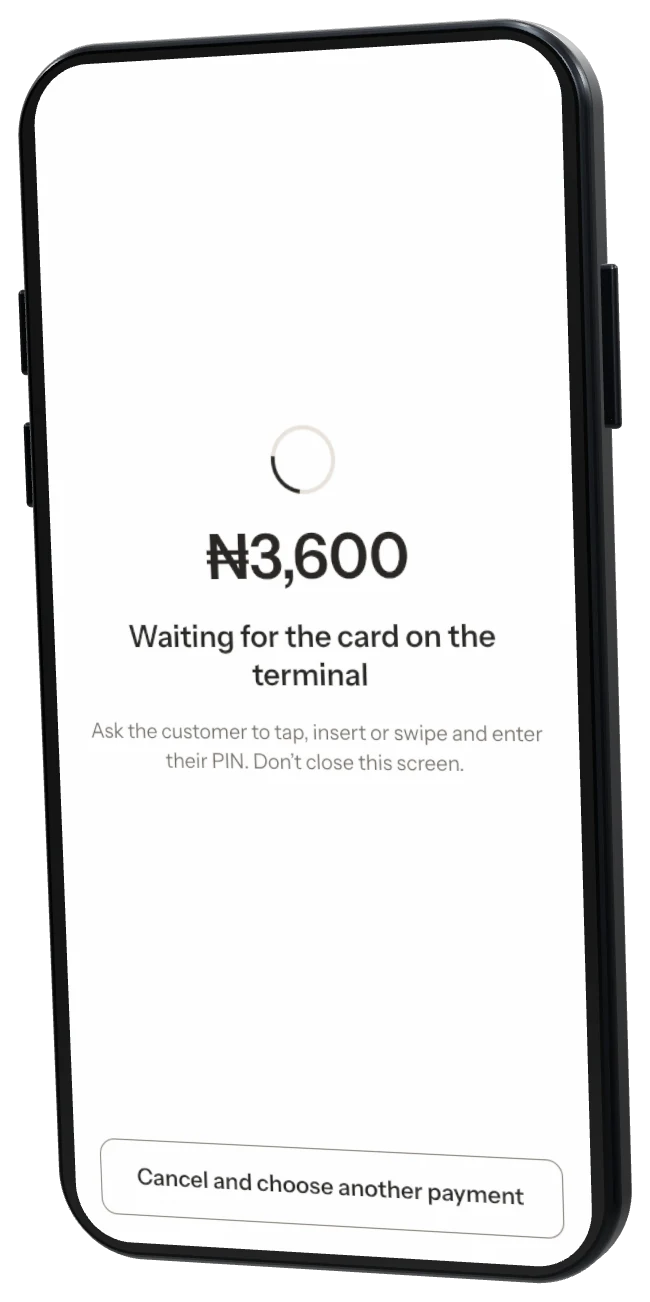
Who takes the money? Your bank and the terminal partner process the card. Storeflow only records the sale. No partner yet? Record card payments by hand with the slip reference.
Was this helpful?