Connect a Bluetooth receipt printer
1 minute read · updated 27 Oct 2026Most small thermal printers connect over Bluetooth in under a minute. You need the printer switched on with paper, and Bluetooth on your phone.
Step 1: Turn the printer on
Load the paper roll with the shiny side facing the print head, then switch the printer on. Keep it within 2 metres of your phone.Step 2: Open printer settings
In Storeflow, tap More, then Settings, then Printers, then Add a printer.Step 3: Choose Bluetooth
Pick Bluetooth as the printer type. Allow Storeflow to find nearby devices if your phone asks.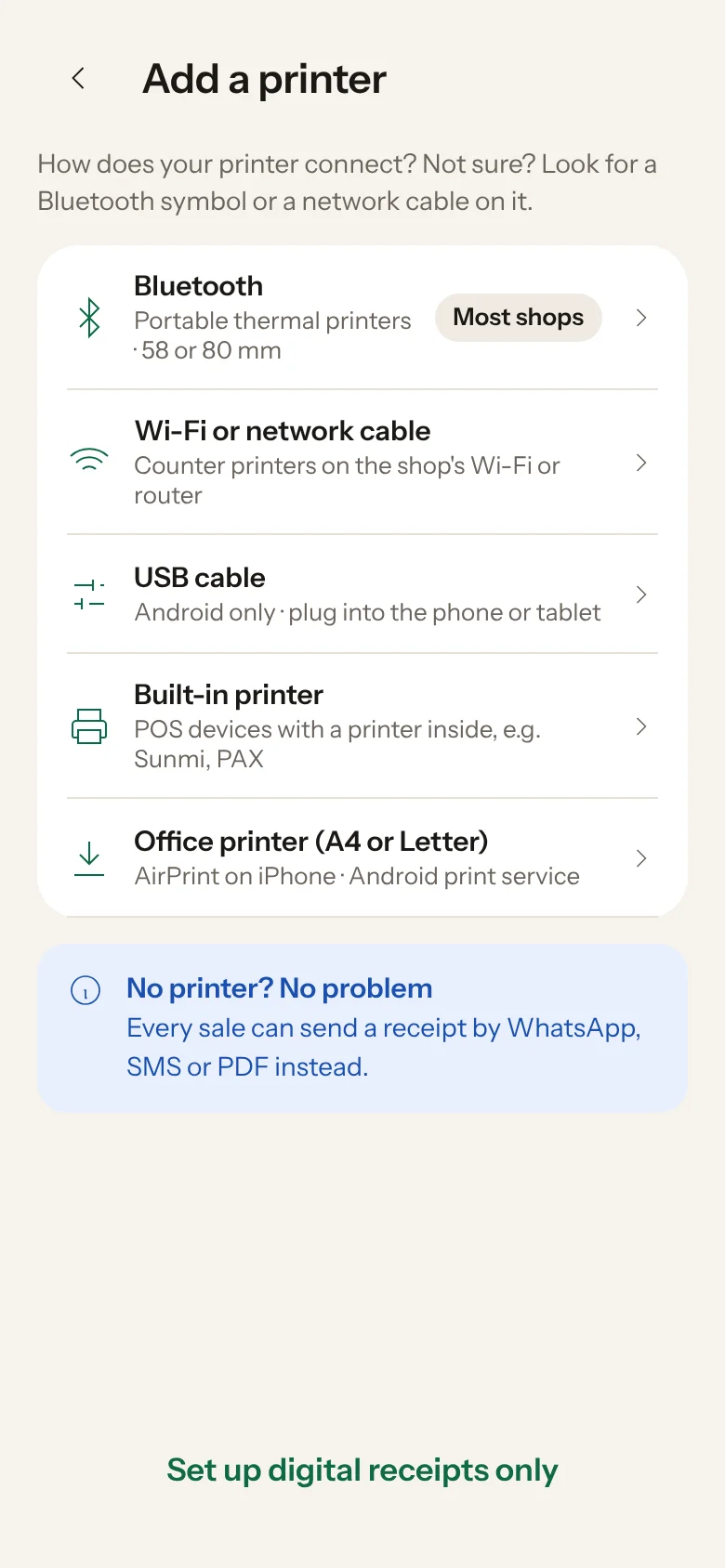
Step 4: Connect
Tap Connect next to your printer. If your phone asks to pair, accept. The PIN is often 0000 or 1234.Step 5: Choose your paper size and test
Pick 58 mm or 80 mm to match your roll, then tap Print a test receipt.
Printing blank or faded paper? The roll may be the wrong way round: thermal paper only prints on the shiny side. Old rolls also print faded, so try a new one.
Was this helpful?