Deals: multi-buy, carton prices and happy hour
1 minute read · updated 27 Oct 2026Set a deal once and Storeflow applies it at every till and phone, even offline.
Step 1: Add a deal
Open Deals & price rules and tap Add a deal.Step 2: Pick the kind
Price cut, Buy X get Y free, carton and wholesale prices, or happy hour at set times and days.Step 3: Choose the products and dates
Pick the products, the new price or percent off, and when it runs.Step 4: Save
Tap Save deal. It applies in the cart by itself.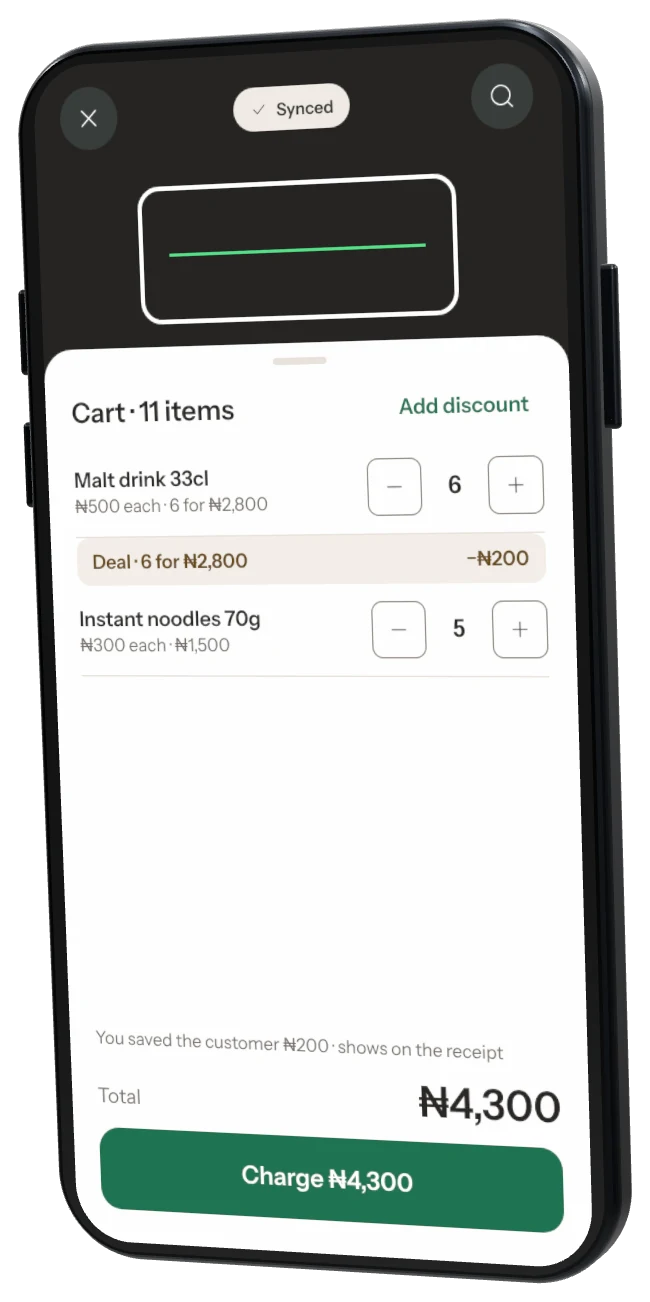
Was this helpful?