Order from distributors
1 minute read · updated 27 Oct 2026Order from partner distributors near you and receive the delivery straight into stock.
Step 1: Browse distributors
Open Order from distributors to see partners near you.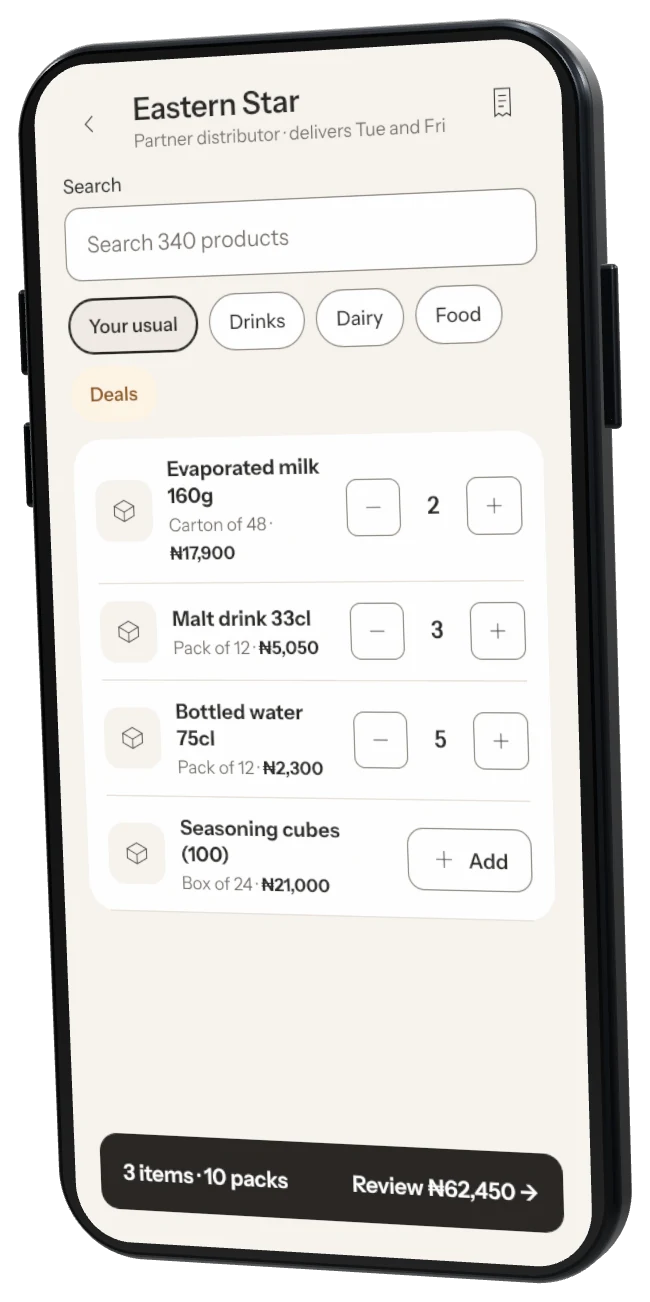
Step 2: Send an order
Add items and tap Send order. They confirm prices and what they have.Step 3: Receive it
When it arrives, tap Receive into stock and count what came. You pay the distributor directly.
Was this helpful?